Chapter 7: Troubleshooting Tips
PN 365-095-28610 x.3 SURFboard SB6190 Cable Modem User Guide
Copyright 2016 ARRIS Enterprises, LLC. All rights reserved. 28
Cannot Access the
Internet
Check that all cable and power connections on your cable
modem and computer are properly connected.
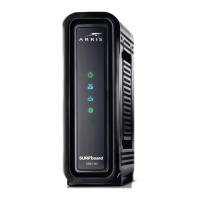
Check that the Power and Online LED icons on the front
panel are lit up solid.
Contact your service provider for assistance.
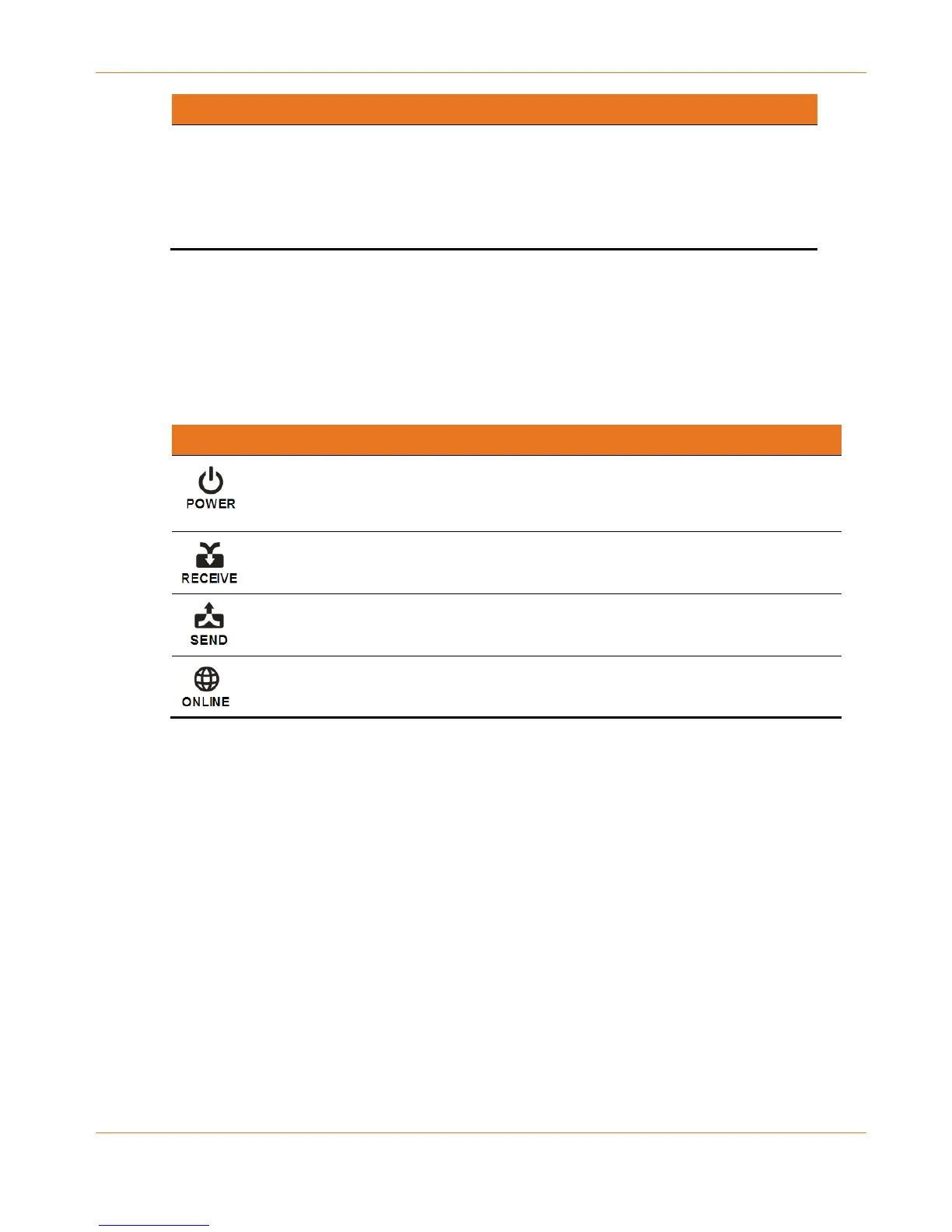
Front Panel LED Icons and Error Conditions
The SB6190 front panel LED icons provide status information for the following error
conditions:
Table 6. Front Panel LED Icons and Error Conditions
If, During Normal Operation
Modem is not properly
plugged into the electrical
outlet
Downstream receive channel
cannot be acquired
Downstream channel is lost
Upstream send channel
cannot be acquired
IP registration is unsuccessful










 To Next Page