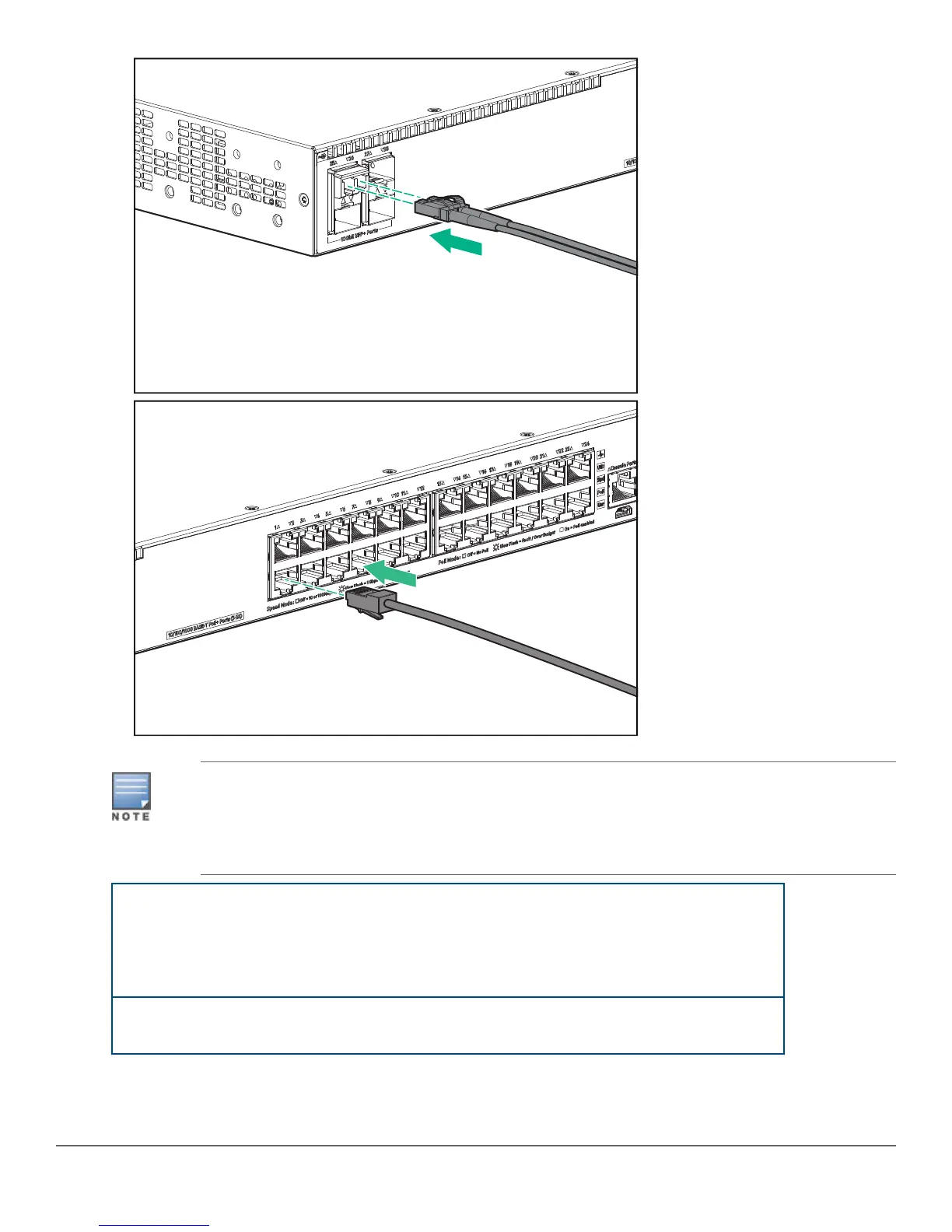
In the factory default configuration, the switch automatically obtains its IP network settings from a
DHCP or BootP server after connecting to the network. If you do not use direct console access to
initially determine the switch IP address, you can determine the assigned IP address by inspecting
your DHCP/BootP server or by querying LLDP information from another, directly connected neighbor
switch. CLI LLDP commands for an ArubaOS neighbor switch are listed below.
show lldp info remote port_#
For the specified port on the neighbor switch, lists the
IP address and other data for the directly connected
Aruba 2540 switch (where port_# is the port used on
the neighbor switch to access the Aruba 2540 switch
you are setting up).
show lldp info remote all
Lists IP address and other data on all active ports on
the neighbor switch.
10 Aruba 2540 24G/48G Switch Quick Setup Guide and Safety/Regulatory Information














 To Next Page