2. Go to Connecting the switch to the network on page 8.
Connecting the switch to the network
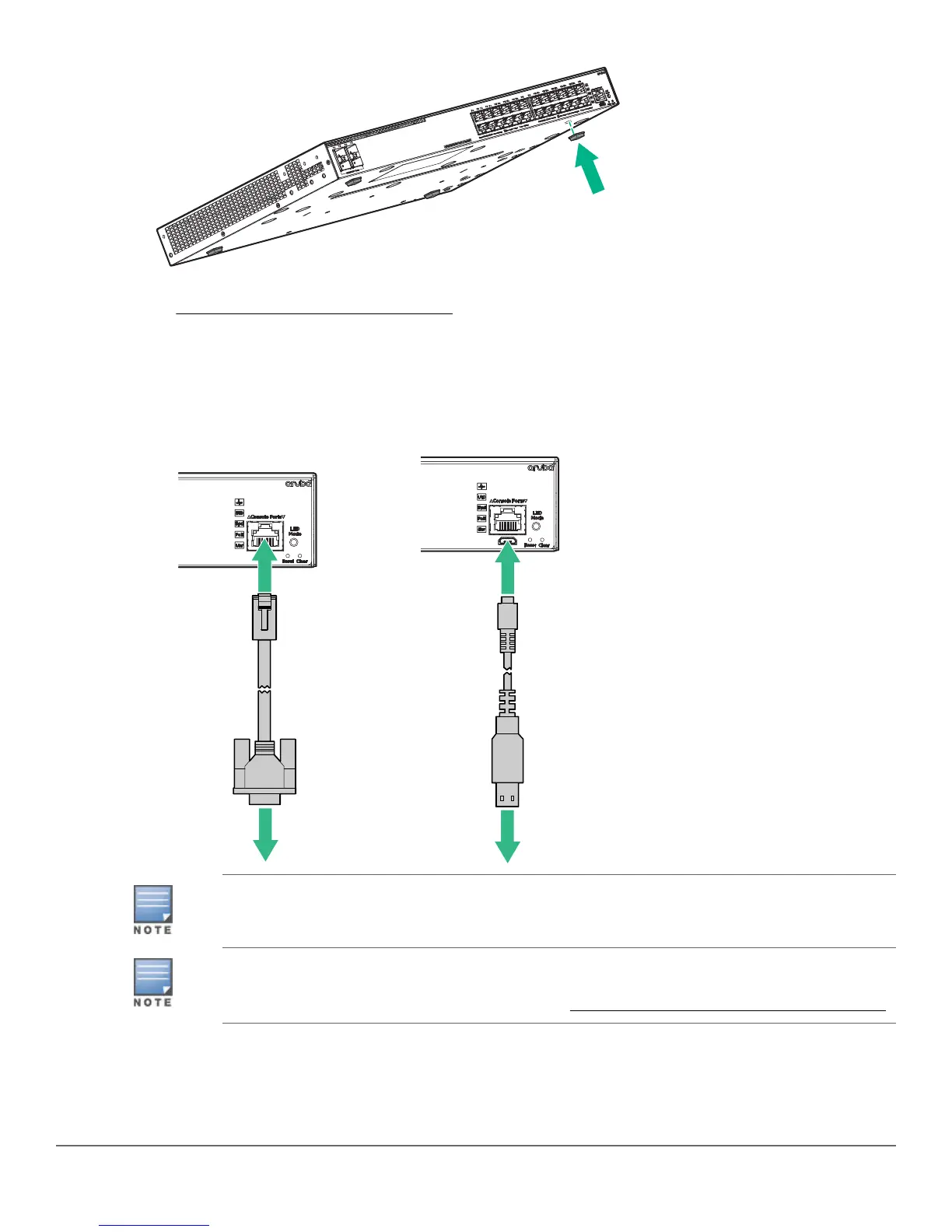
1. (Optional) Connect an RJ-45 console cable and/or a micro-USB console cable (not included) to a VT-100
terminal or a PC (running suitable terminal emulation software).
JL448A, Aruba X2C2 RJ45 to DB9 Console Cable, can be ordered as an accessory to your
switch.
If both cables are connected, input is accepted only from the Micro USB connector. For more
information, see the information on connecting a management console in the Aruba 2540
Switches Installation and Getting Started Guide at www.hpe.com/networking/ResourceCenter.
2. (Optional) Insert transceivers.
8 Aruba 2540 24G/48G Switch Quick Setup Guide and Safety/Regulatory Information














 To Next Page