15
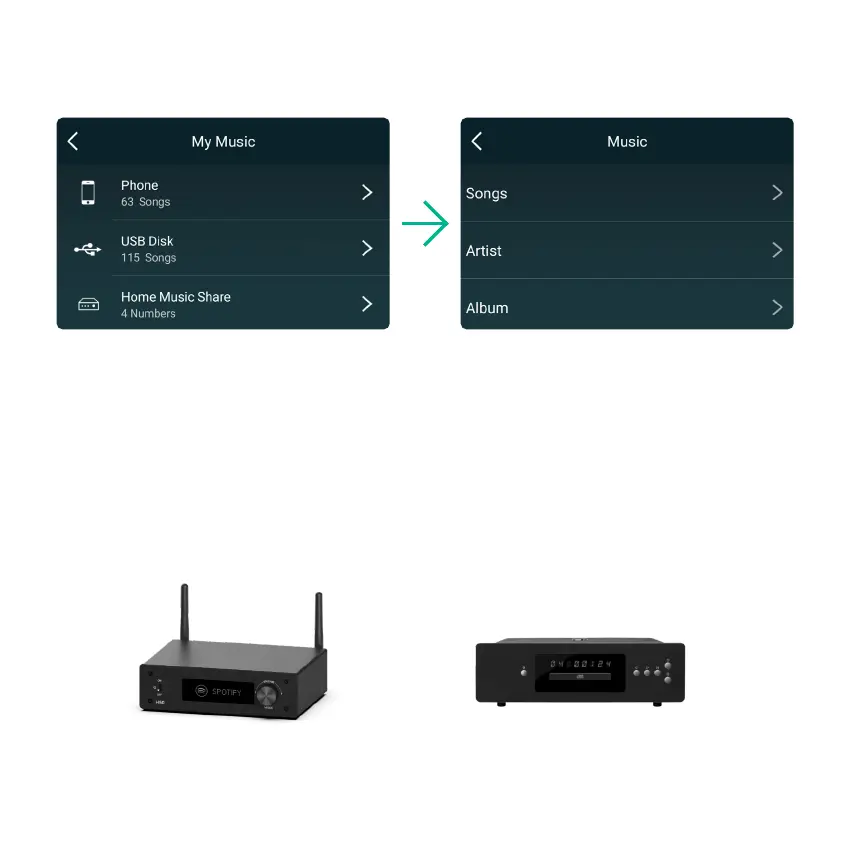
8.3.3 To Play Music From NAS
8.3.4 Line in Mode
Please note that our system only support NAS with DLNA feature.
You can connect any analog device with line out to H50. You will need to switch to Line in mode with the
Mode button on the device, use the remote controller or in the 4Stream APP.
You can also stream Line in audio through Bluetooth and listen from connected Bluetooth receiver
devices such as Bluetooth speakers or Bluetooth headphone.



 To Next Page