24
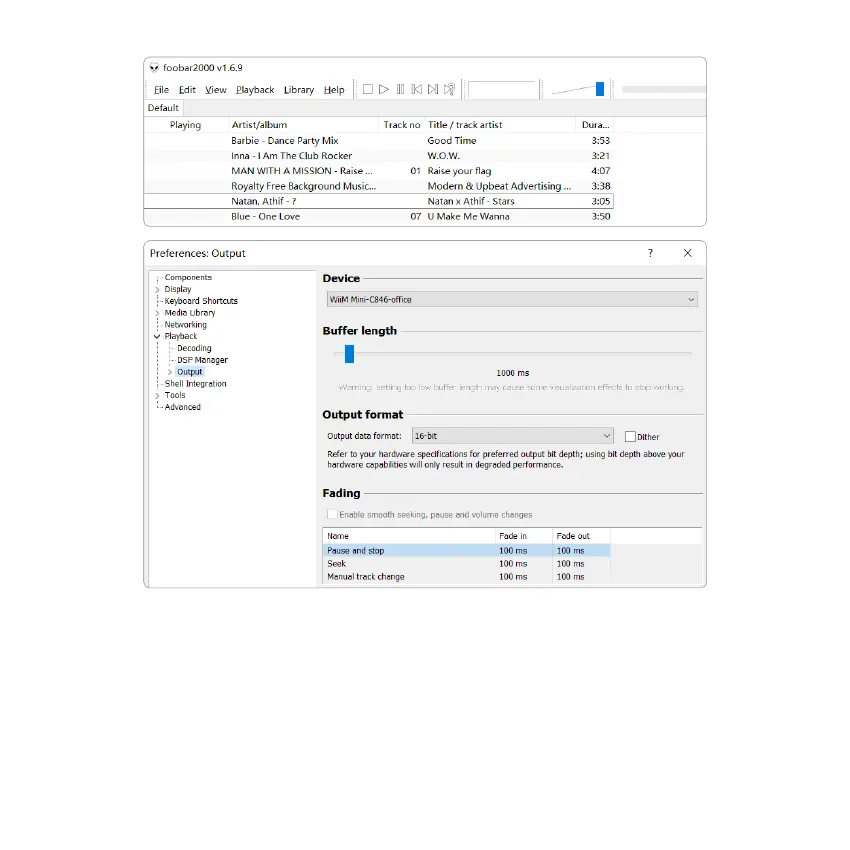
Connect the device to your PC with USB cable (make sure it’s a data cable including the signal wires).
The PC will automatically discover a USB sound card, and when you select it as the system main output, the PC will
send the audio output to the device in digital (44.1KHz/16bits).
You can stream to other devices over multiroom connection. NOTE: there’s about 3 seconds delay when in multiroom
playback mode than the audio source.
9.3 USB Audio



 To Next Page