19
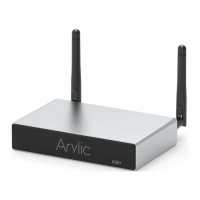
The device supports streaming with Airplay 2, you
can find the device in the Airplay 2 device list.
If you have multiple Airplay 2 devices in the same
network, you can stream the music to them at the
same time.
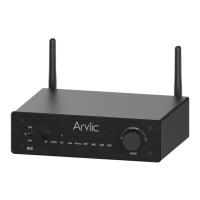
1. In the 4Stream app, enter Amazon Alexa in the
source menu and login to your Amazon account.
2. Open Amazon Alexa app and login to the same
Amazon account.
3. Open devices.
4. Select Plus icon and then select Combine
Speakers.
5. Select Multi-room music.
6. Follow the on-screen instruction in the app to
complete the setup.
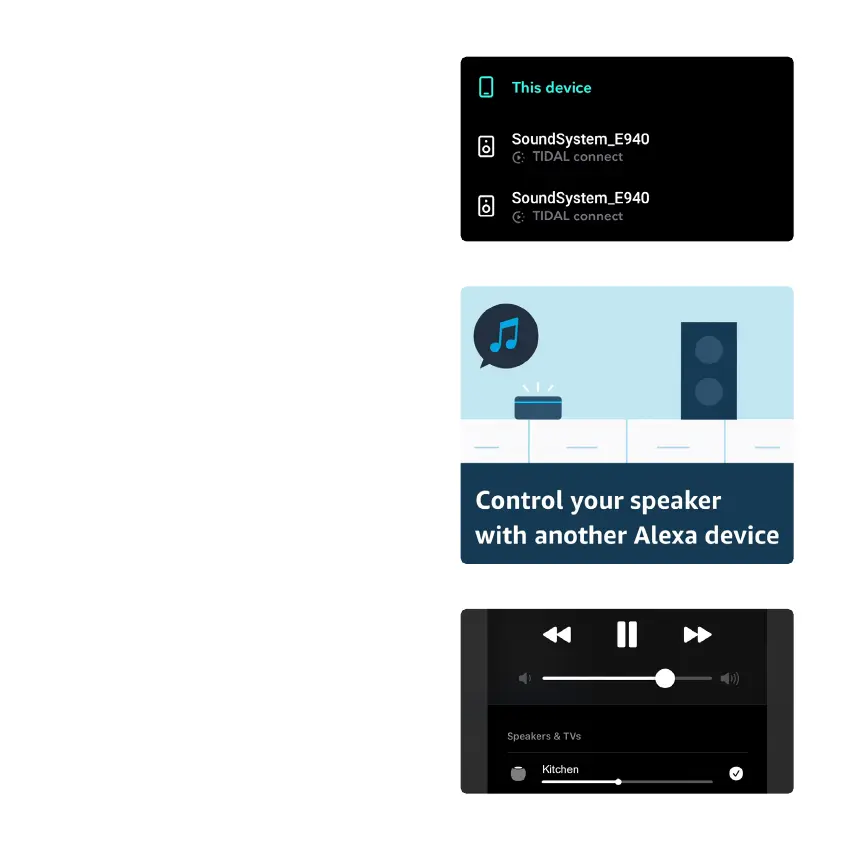
Listen out loud with Tidal Connect
1. Connect your device to your wifi network
2. Open up the Tidal app on your phone, tablet using
the same wifi network
3. Select a song and select Devices Available.
4. Select your device and start listening.
8.4.4 AirPlay 2
8.4.3 Group with Amazon Echo or other
Amazon products
8.4.2 Tidal Connect



 To Next Page