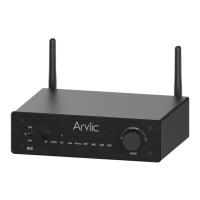
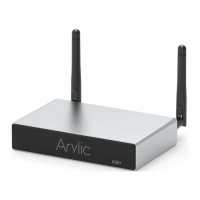
5
5. Bluetooth Antenna: For Bluetooth connection
6. DC input: Connect the 24V/4.16A power supply
7. Speaker Terminals: For connection to passive stereo speakers
8. GND: To connect to Turntable ground wire
9. Load Switch: To switch between 4/8Ω load, Turn o the power before switching
10. Phono in: Analog input for connection to Turntable.
11. Line in: Analog input for connection from external device
12. SW out: Subwoofer output for connection to active subwoofer
13. Optical in: Digital input for connection from external device
14. HDMI ARC: Digital input for connection to TV
15. LAN: RJ45 wired connection to router
16. USB: USB host po for USB disk drive
17. DAC: For connection to PC to work as USB DAC
18. WiFi Antenna: For WiFi connection.
19. Rest Button: Press once to enter BT TX mode when in line in/phono in/optical in/ARC mode.
Quickly press twice: Reset WiFi/Bluetooth connection when in corresponding mode
Quickly Press 3 Times: Restore facto settings
5 6 7 8 10 11 12 13 14 15 17 18 199 16



 To Next Page