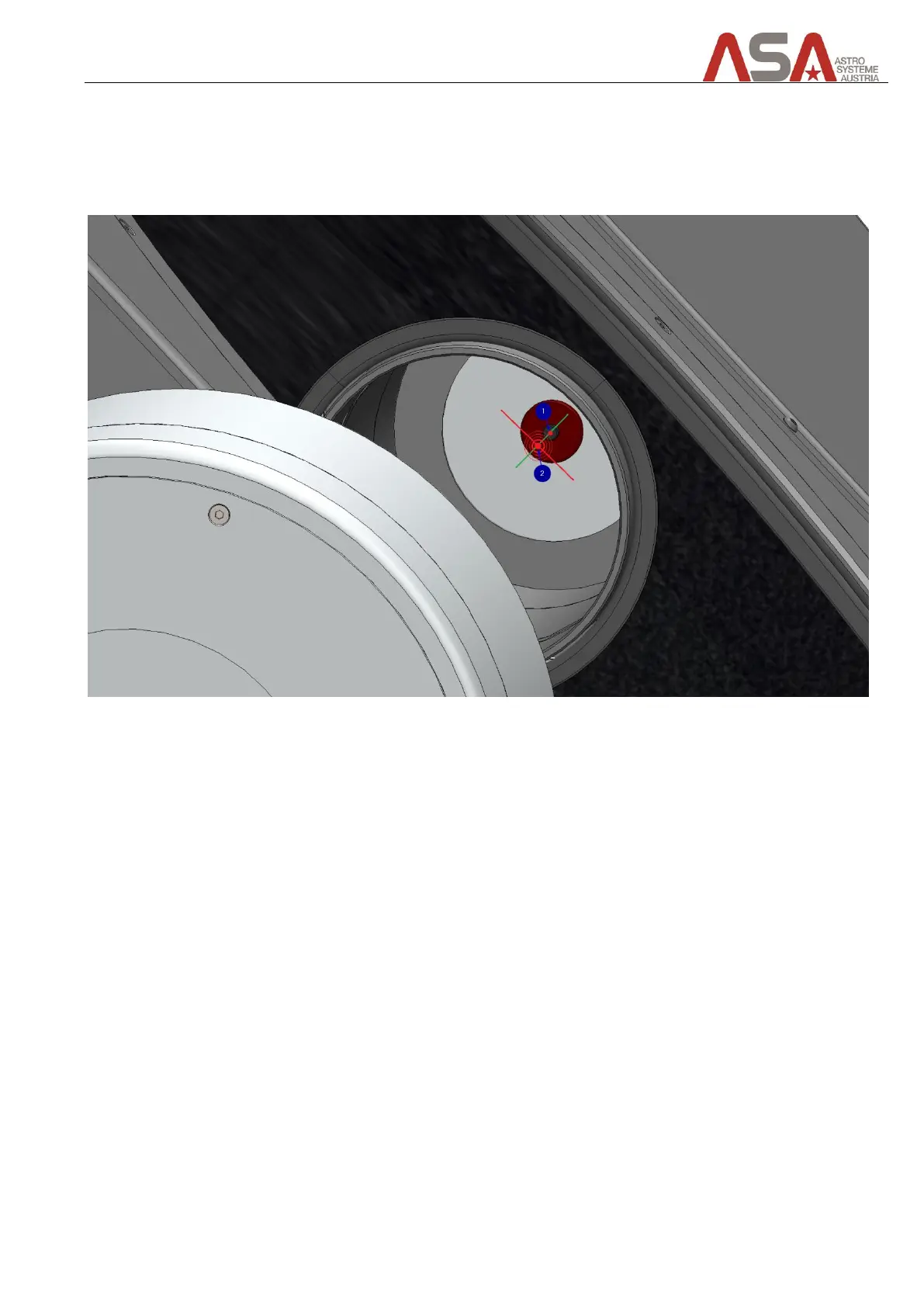
Before touching any of the alignment screws the tertiary mirror has to be rotated so that the returning laser
point (2) is in one line (green line in picture) with the laser origin (1). The red line in the picture shows how the
laser point moves when you twist the mirror.
Always be sure that the tertiary mirror rotational angle is aligned like this before checking any laser alignment.
Figure 50 - returning laser in one line with origin


 To Next Page