TD 92679EN
22 November 2013 / Ver. G
Installation Guide
Elise3
37
Appendix A: Move License from ELISE2
Appendix A: Move License from ELISE2 to Elise3
A license for a product on ELISE2 can, if the license is compatible with Elise3, be moved to
Elise3 by moving the Module key from the ELISE2 module to the Elise3 module.
To make it easier to differ betw
een the Module Keys, the marking “2M” is added on the
label on a Module Key from Elise3.
NOTE: All functions will be the same as it was in ELISE2 and only one etherne
t port (LAN1)
can be used.
1 Create a backup of your configuration on the ELISE2 module.
2 Remove the four screws on the back side of the Elise3 module.
3 Slide the metal cover backwards.
4 Remove the Module Key from the ELISE2 module.
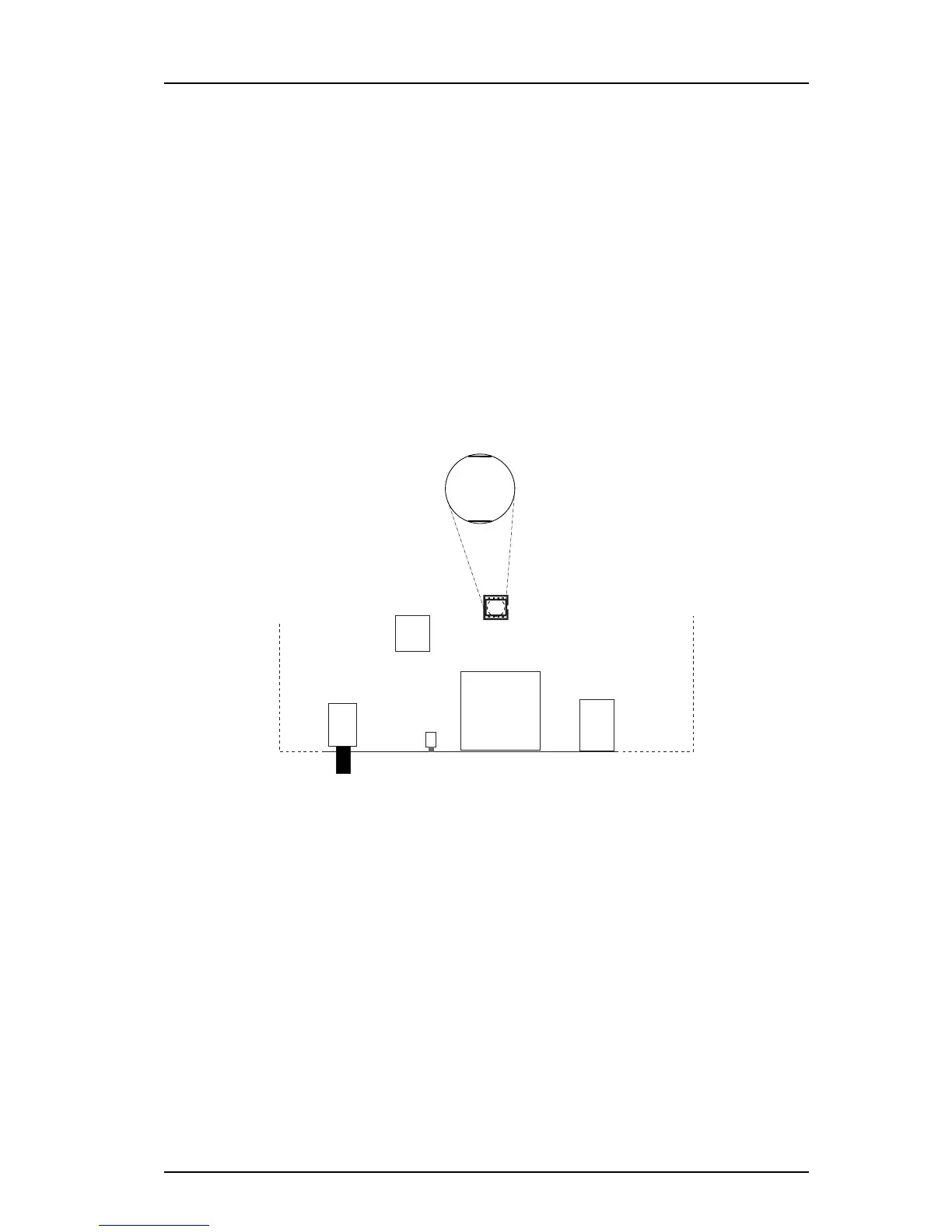
5 Replace the Module Key on the Elise3 with the
one from ELISE2. See illustration
below.
6 Slide the metal cover back to the front.
7 Replace the four screws.
8 Restore the configuration.
Replacing a wall mounted ELISE2 module with an Elise3 module
The drilled holes made for the ELISE2 module a
re easily covered by the Elise3 module.
When mounting Elise3 on a wall be sure to follow the instructions in chapter 4.1.3 Wall
Mounting on
page 10.



 To Previous Page