TD 92679EN
22 November 2013 / Ver. G
Installation Guide
Elise3
7
3. Description
3.2 Label for IP Address/Host Name
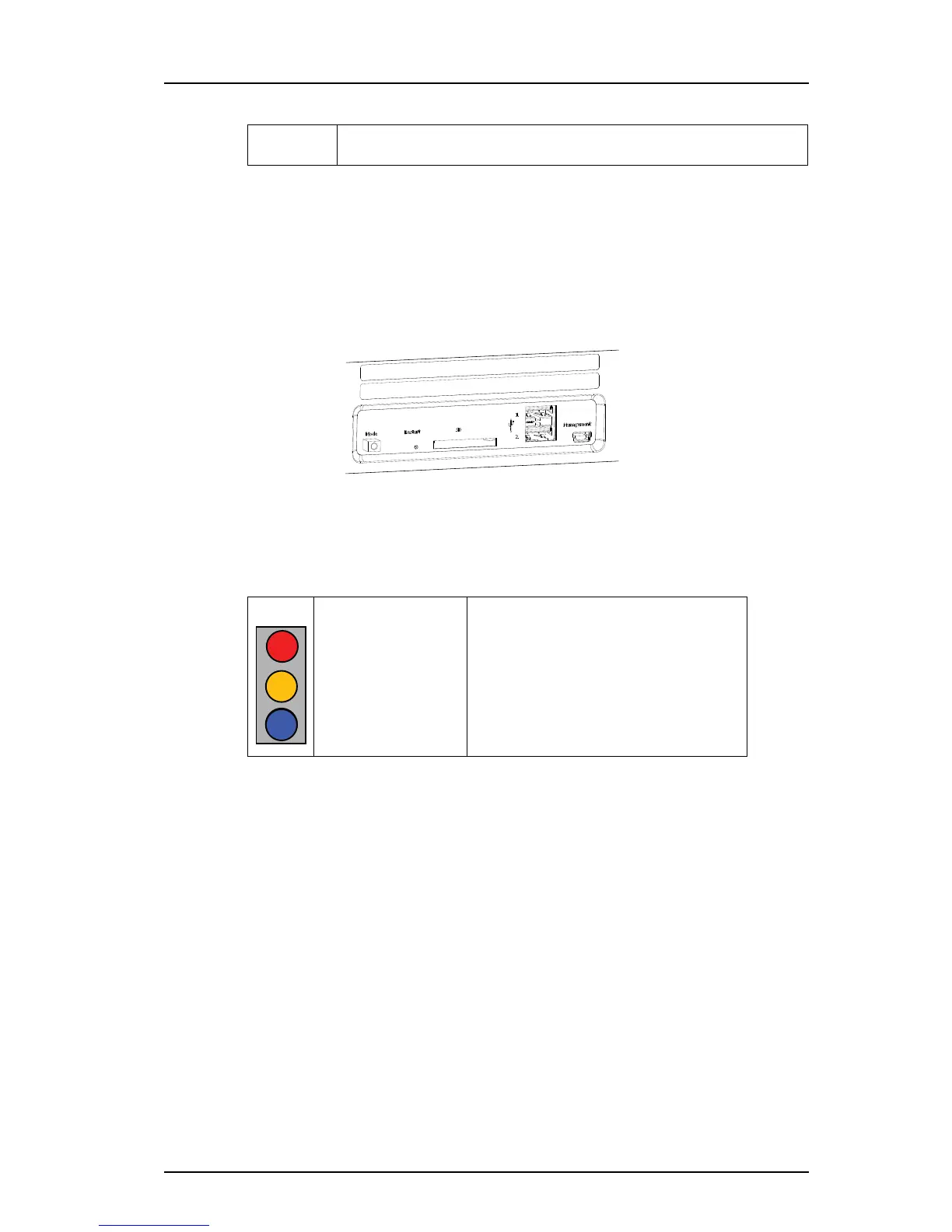
To facilitate future support and access to the module, the product’s IP address or Host name
can be printed on a blank label and attached as shown in figure 3.
The blank label is found on the back side of the Getting started document: “Elise3 –
EMBEDDED LINUX SERVER INCLUDING SAFETY INFORMATION”, included in the delivery.
Figure 3. Label for IP address or host name
3.3 LED Indications
The LEDs show different colors to determine type of information and have different flashing
frequency for showing the priority.
(j) 100-240 Vac
Used for connection of supply voltage.
Colors
Red Fault indication
Yellow Mode indication
Blue Normal operation (OK)



 To Next Page