CPU 1021/A User’s Guide
42 Asem S.p.A.
The program Setup lets you set and memorize in the system the
date and time. Its lets you enable, set up and disable installed
peripherals.
You need to run it if you want to change the configuration of a
peripheral or change one of the operating options of the system.
You may also need to use Setup to correct the system configuration,
following an error message during the self-diagnostic test.
How to activate the Setup
When the system is started, or following a Reset, or at the end of the
self-diagnostic test, the following message appears on the video:
PRESS F2 TO ENTER SETUP
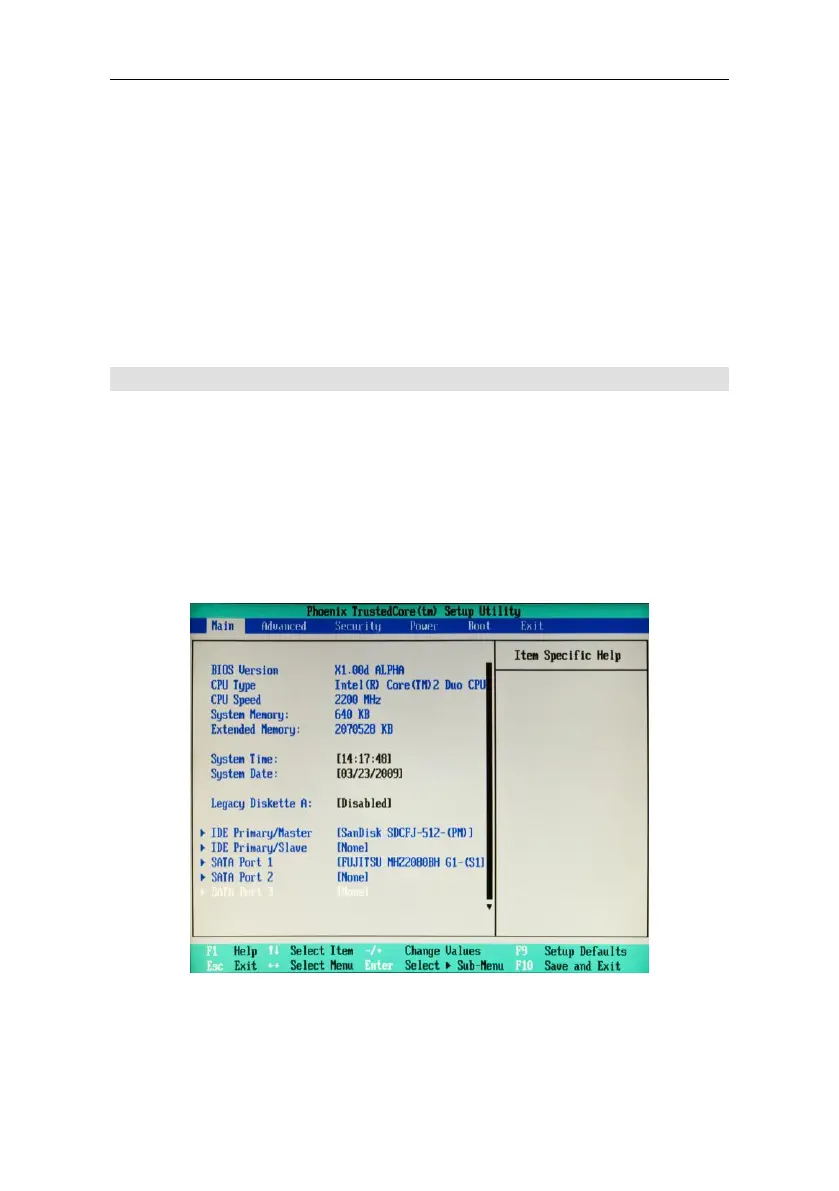
You can now launch the program Setup by pressing the key F2. The
main menu will appear on the video.



 To Next Page