BIOS Setup
Asem S.p.A. 47
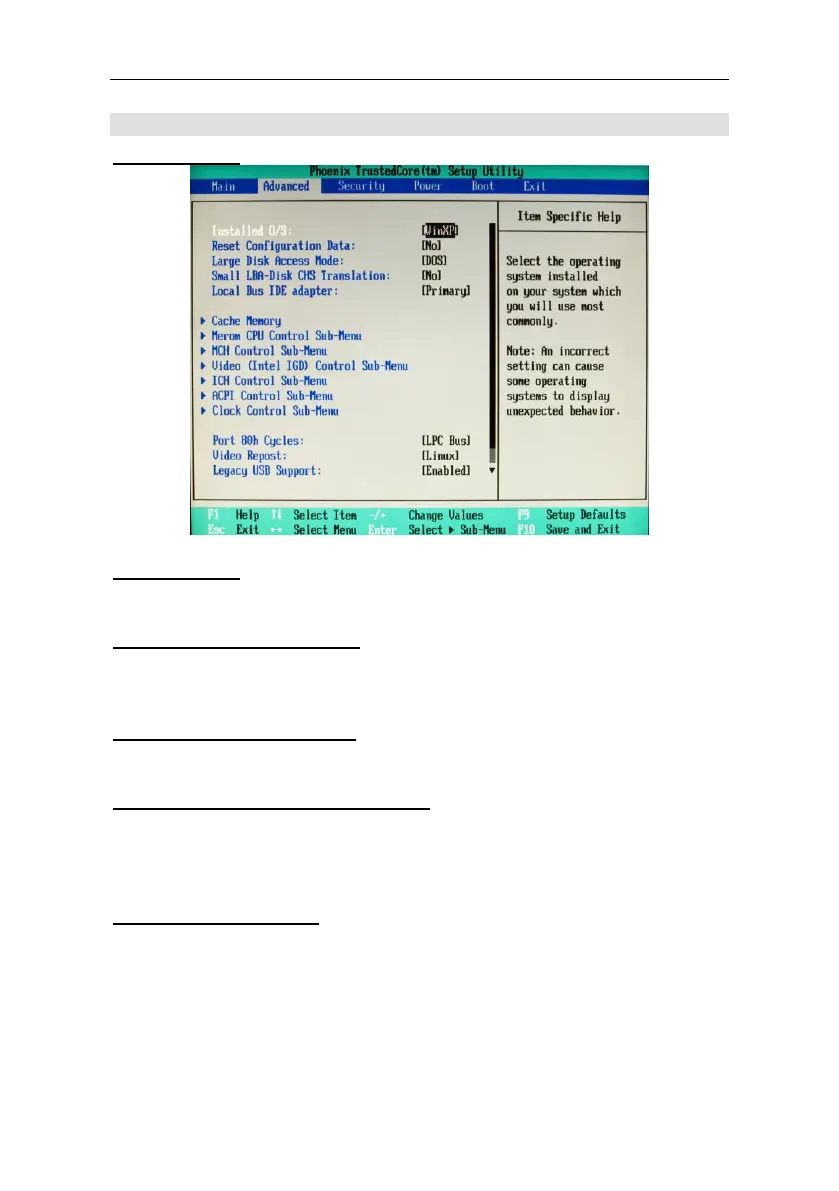
Advanced
Installed O/S.
Installed O/S.
Selects the operating system installed in the system.
Reset Configuration Data:
If it is activated, this option deletes the table ESCD (Extended
System Configuration Data).
Large Disk Access Mode:
Defines the method of access to the hard disk.
Small LBA-Disk CHS Translation:
Determines whether translation of the CHS must be done for LBA
compatible hard disks with less than 1024 cylinders (e.g. Compact
Flash).
Legacy USB Support:
This parameter must be enabled if the computer includes a USB
keyboard and the user also wants to use this keyboard in a DOS
environment or prior to loading the operating system (in the start
menu, for example). If this parameter is disabled, if you start up from
a floppy disk or CD-ROM the keyboard will not work.



 To Next Page