ASG, Division of Jergens, Inc.
15700 S. Waterloo Road | Cleveland, OH 44110-3898 | Phone: (888) 486-6163 | Fax: (216) 481-4519 | Email: asginfo@asg-jergens.com | www.asg-jergens.com
Page 16 of 23
Main Menu (Continued)
Delete All
Upload All
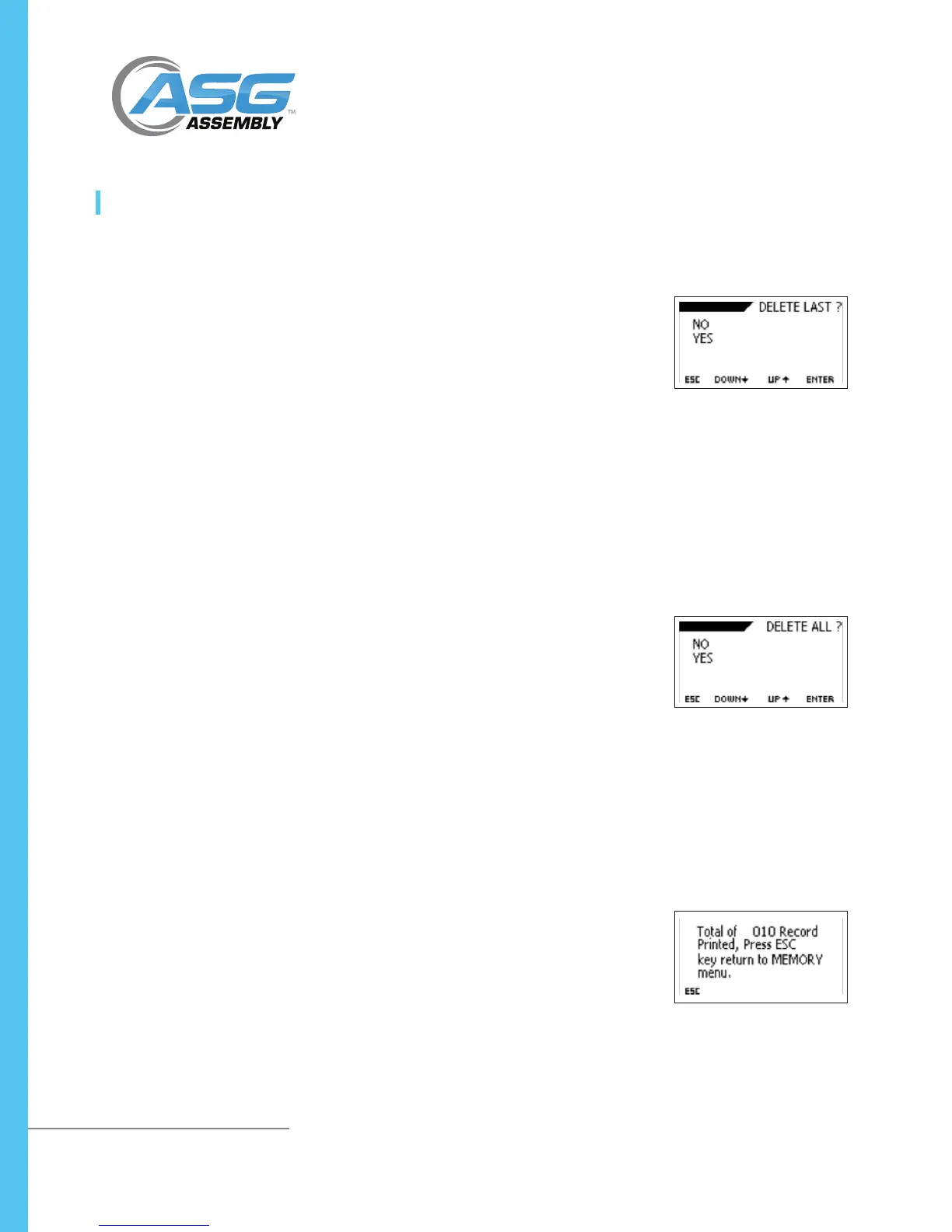
This is used to delete all saved records.
• To access the Delete All menu, press and hold the MENU/ESC key to access the
main menu. Use the UP or DOWN arrow keys to move the cursor to MEMORY
and press ENTER. Use the UP or DOWN arrow keys to move the cursor to
DELETE ALL and press ENTER.
• Press ESC key to return to the memory menu page
• Press the UP or DOWN arrow keys to select NO or YES. If you select NO and
press the ENTER key, the meter will return to the memory menu page. If you
select YES and press the ENTER key, the meter will delete all saved records and
return to the memory menu page.
This is used to transfer memory to a computer.
• To transfer memory to a computer, press and hold the MENU/ESC key to
access the main menu. Use the UP or DOWN arrow keys to move the cursor
to MEMORY and press ENTER. Use the UP or DOWN arrow keys to move the
cursor to UPLOAD ALL and press ENTER.
• The display will show the transfer memory menu page
• Press the ESC key to return to the memory menu page
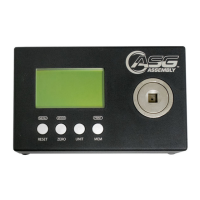
DTT Series Digital Torque Testers
User Manual
Delete Last
This is used to delete the last saved record.
• To access the Delete Last menu, press and hold the MENU key to access the
main menu. Use the UP or DOWN arrow keys to move the cursor to MEMORY
and press ENTER. Use the UP or DOWN arrow keys to move the cursor to
DELETE LAST and press ENTER.
• The display will show DELETE LAST menu page
• Press the ESC key to return to the memory menu page
• Press the UP and DOWN arrow keys to select NO or YES. If you select NO and
press the ENTER key, the monitor will return to the memory menu page. If you
select YES and press the ENTER key, the meter will delete last saved record and
return to the memory menu page.



 To Next Page