32
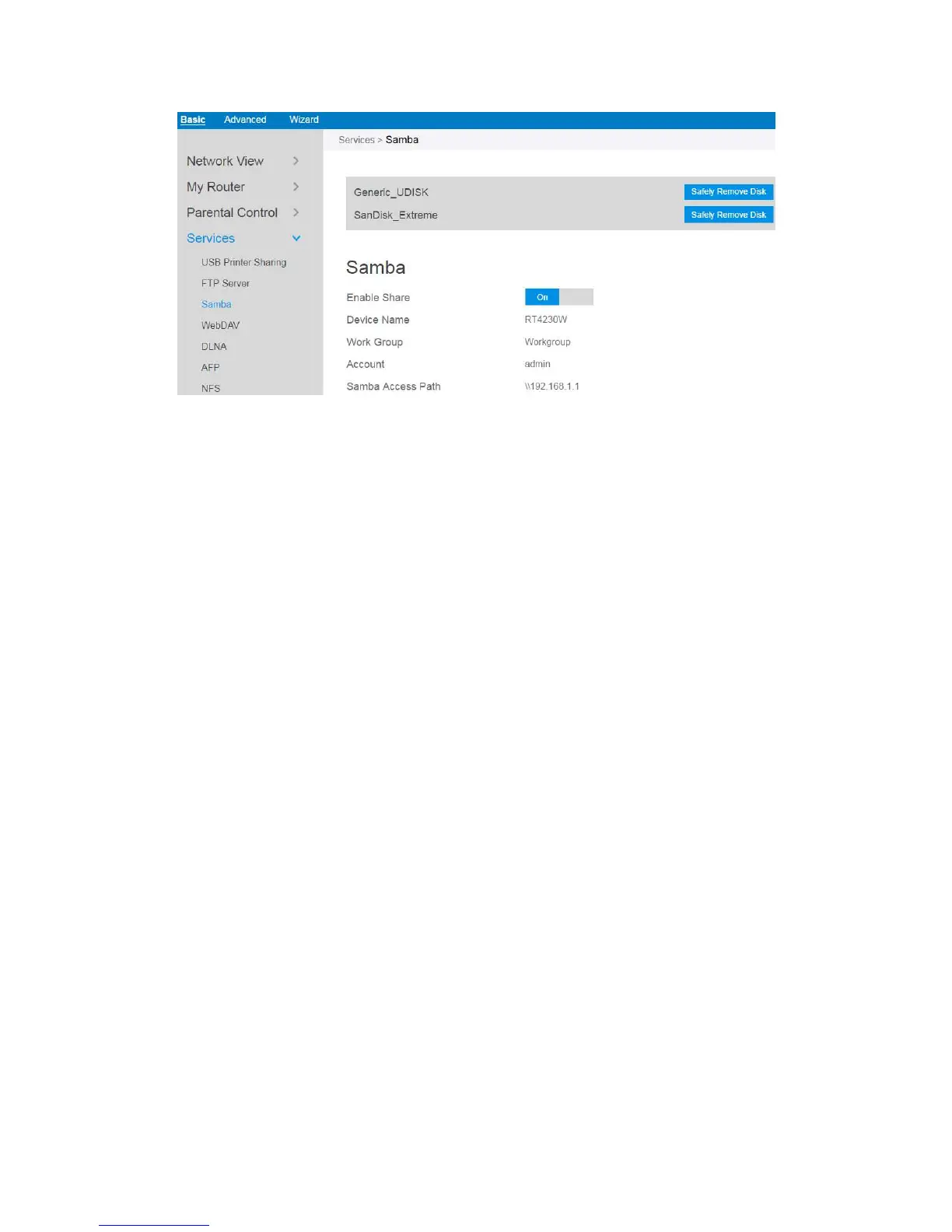
From the navigation panel, go to Basic > Services > Samba Server.
Connect an external USB hard disk drive or USB flash drive to your router, and
your device will be displayed here.
Enable Share: Click the On/Off to enable/disable Internet access to Samba
service.
Device Name: Enter a name for your device and you can use this name in your
web browser's URL field to quickly access the device as a Network Place service.
Work Group: Group name of the router in Network Neighborhood.
Safely Remove Disk: Click to safely remove the disk. When the USB disk is
ejected successfully, the USB status shows 'No device '.



 To Next Page