33
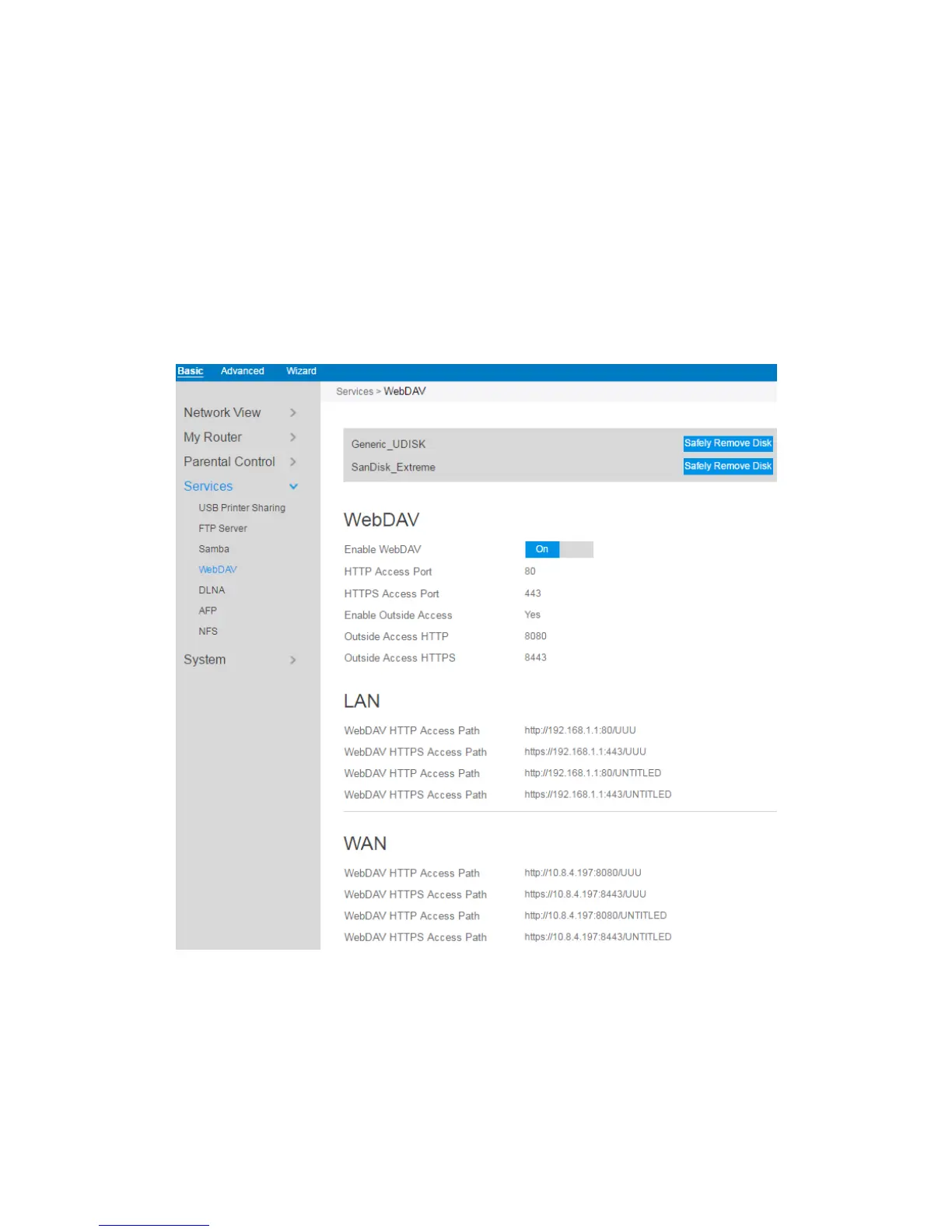
2.3.6.4 WebDAV
The client can write operations in WebDAV directory with appropriate permissions.
This page shows information about the WebDAV Server. To set up WebDAV go to
Advanced > Servers > WebDAV.
1. From the navigation panel, go to Basic > Services > WebDAV Server.
2. Connect an external USB hard disk drive or USB flash drive to your router, and
your device will be displayed here.
3. HTTP Access Port: The port to access the WebDAV server for HTTP protocol in



 To Next Page