58
AP/router, or specifically indicates which MAC addresses can associate with the
AP/router.
8. When done, click Apply.
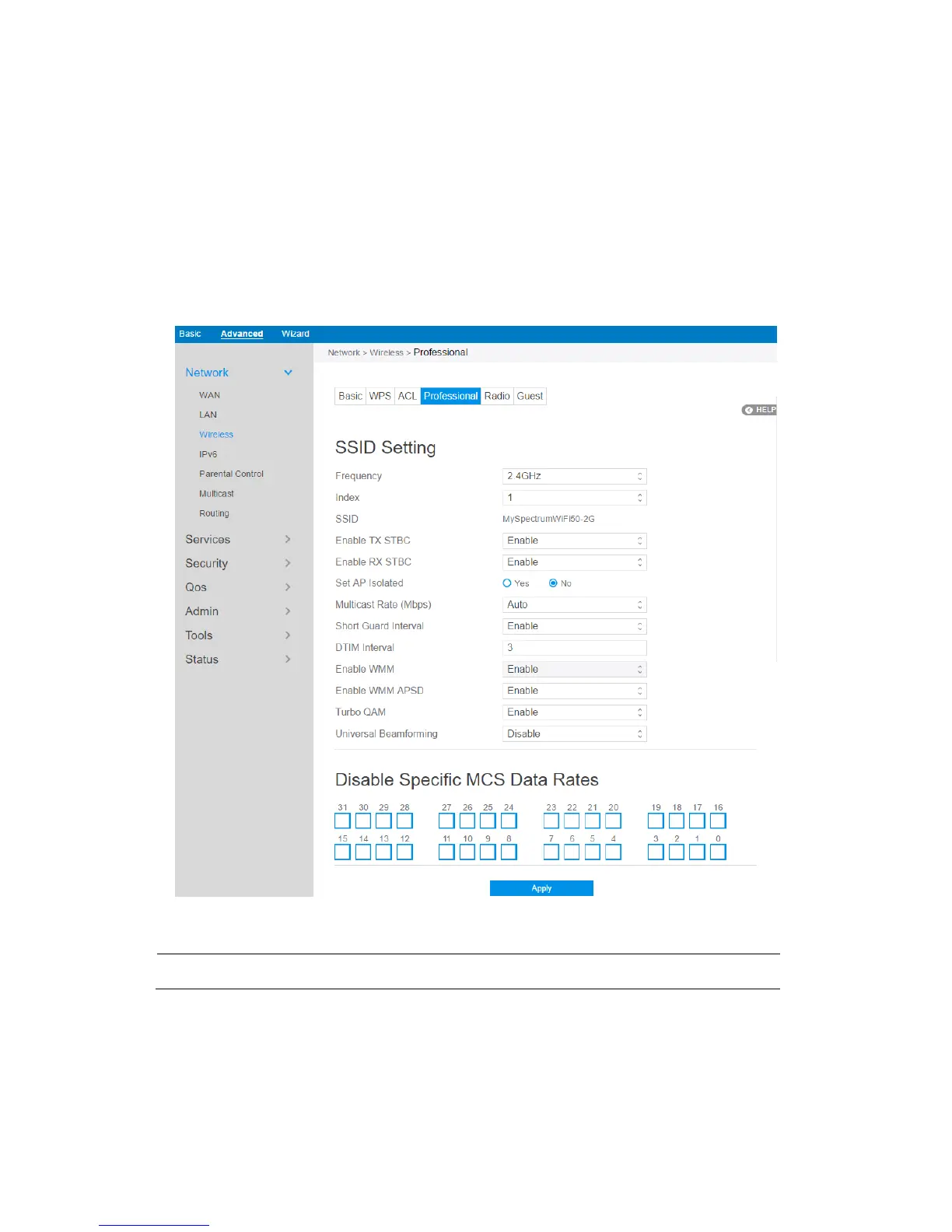
2.4.1.3.4 Professional
The Professional module provides advanced configuration options.
NOTE: We recommend that administrators use the default settings.
In this module, administrator can configure the followings:
1. From the navigation panel, go to Advanced > Network > Wireless >
Professional.



 To Next Page