90
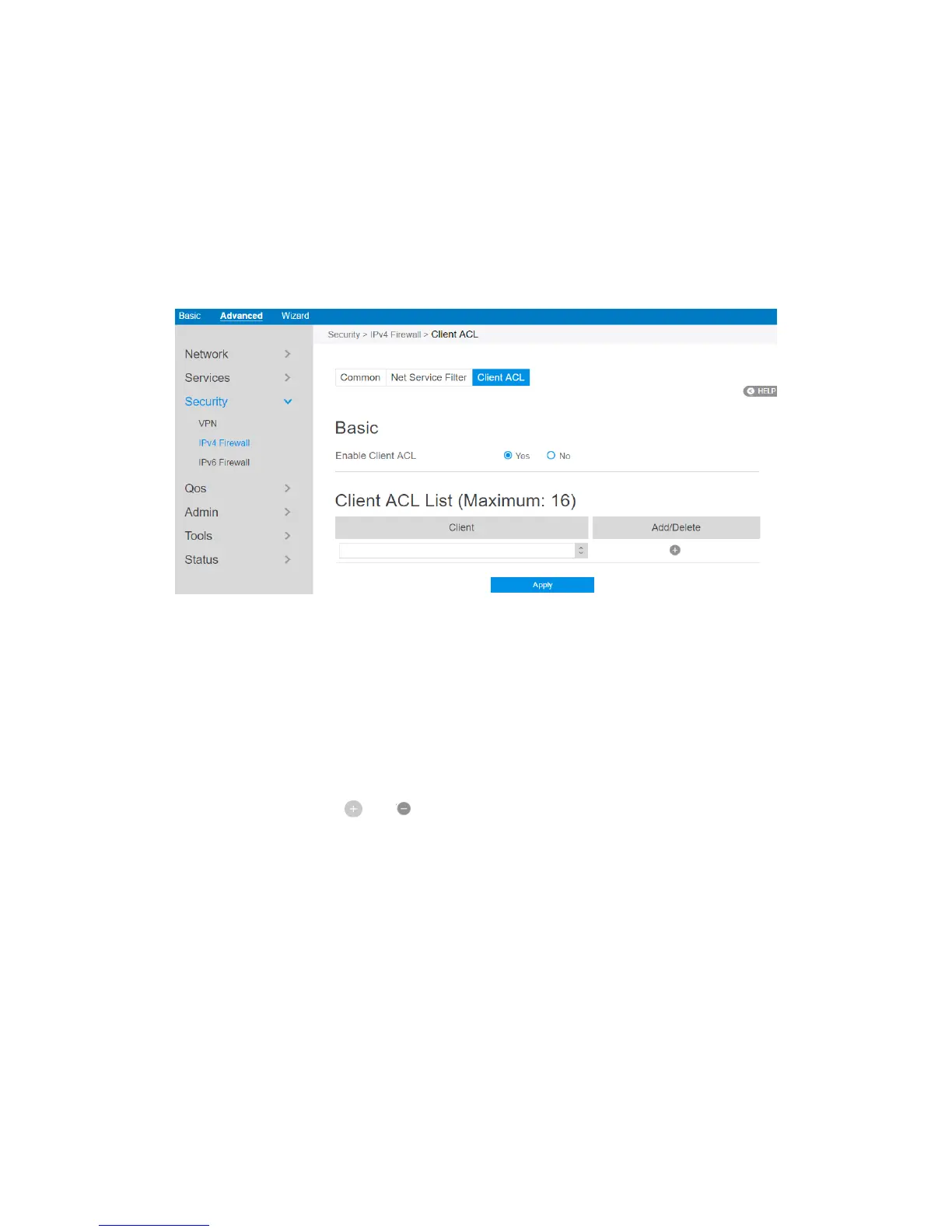
2.4.3.2.3 Client ACL
This module is used by administrator to prevent router from routing packets which are
from specified lan-side devices.
Steps to set up Client ACL 愪
1. From the navigation panel, go to Advanced> Security> IPv4 Firewall> Client
ACL.
2. Enable Client ACL: Enable or disable Client ACL function.
3. Client: MAC address of lan-side devices.
4. Add/Delete: Click or to add/delete the profile.
5. When done, click Apply.



 To Next Page