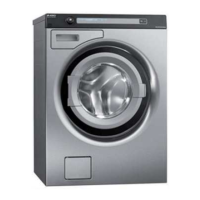
Service manual WM70
35
Service menu WM70.1
How to get to the service menu
Is the machine turned on: turn off the power first at the main switch.
+
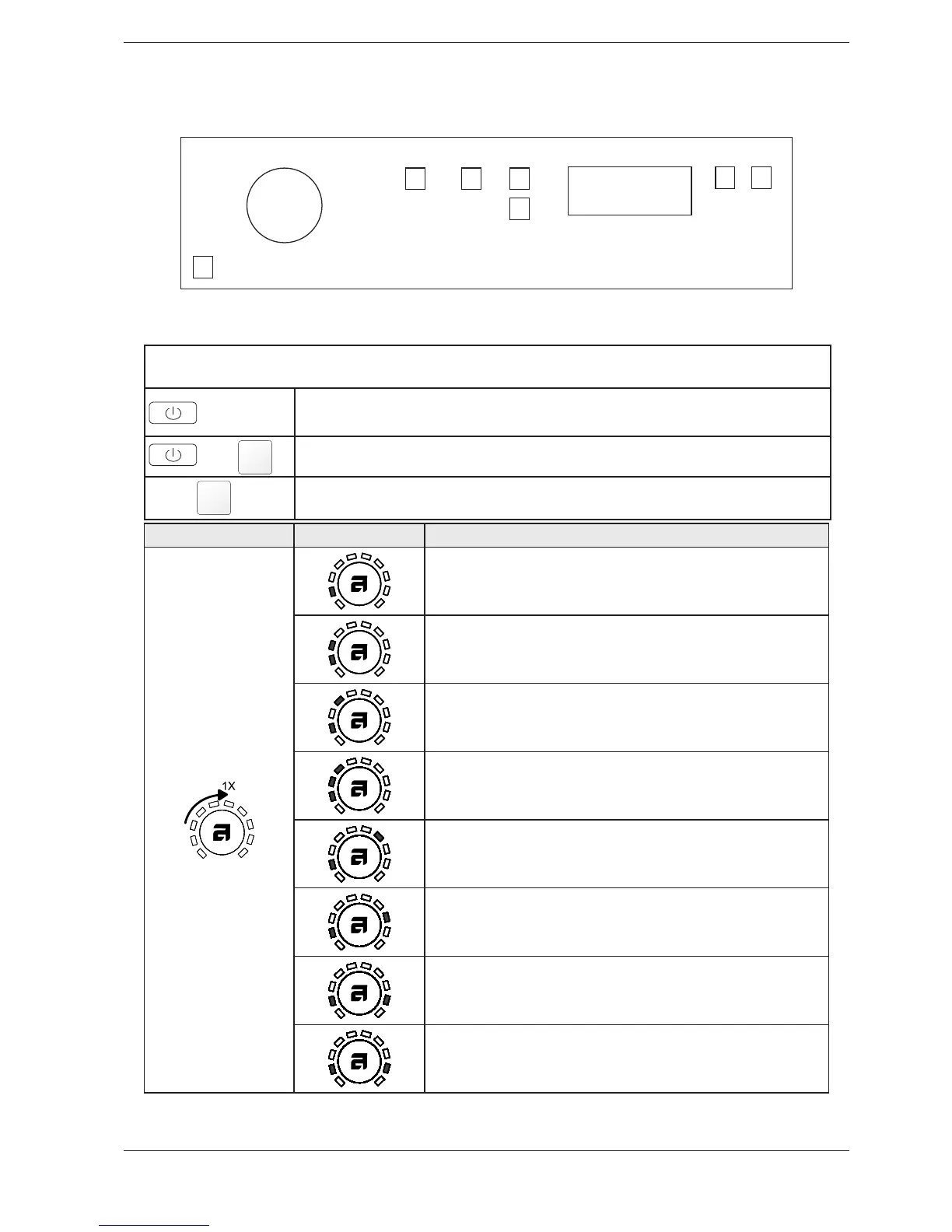
Press and hold the button for super wash (S4) while you press the main switch.
Press button (S4) three times within 5 seconds. You are about to component testing. Would you like to go
directly to the setting of the number of rinses, press the button (S9).
Turn /press
3#2%%.).' Comments/Instructions
.O COMPONENT
Intake valve 1 starting
Intake valve 2 starting
Intake valve 1 and 2 starting
Heater starts and warms up to a maximum of 60 ° C
Drain pump starts
Spin and drain pump starts
Door opening
S1
J1
S3 S4
S7
S9
LCD
S10
S11



 To Next Page