Service manual WM70
30
Make Settings WM70.1
Setting Instruction
Automatic door opening
1. Turn off the machine using the main power switch.
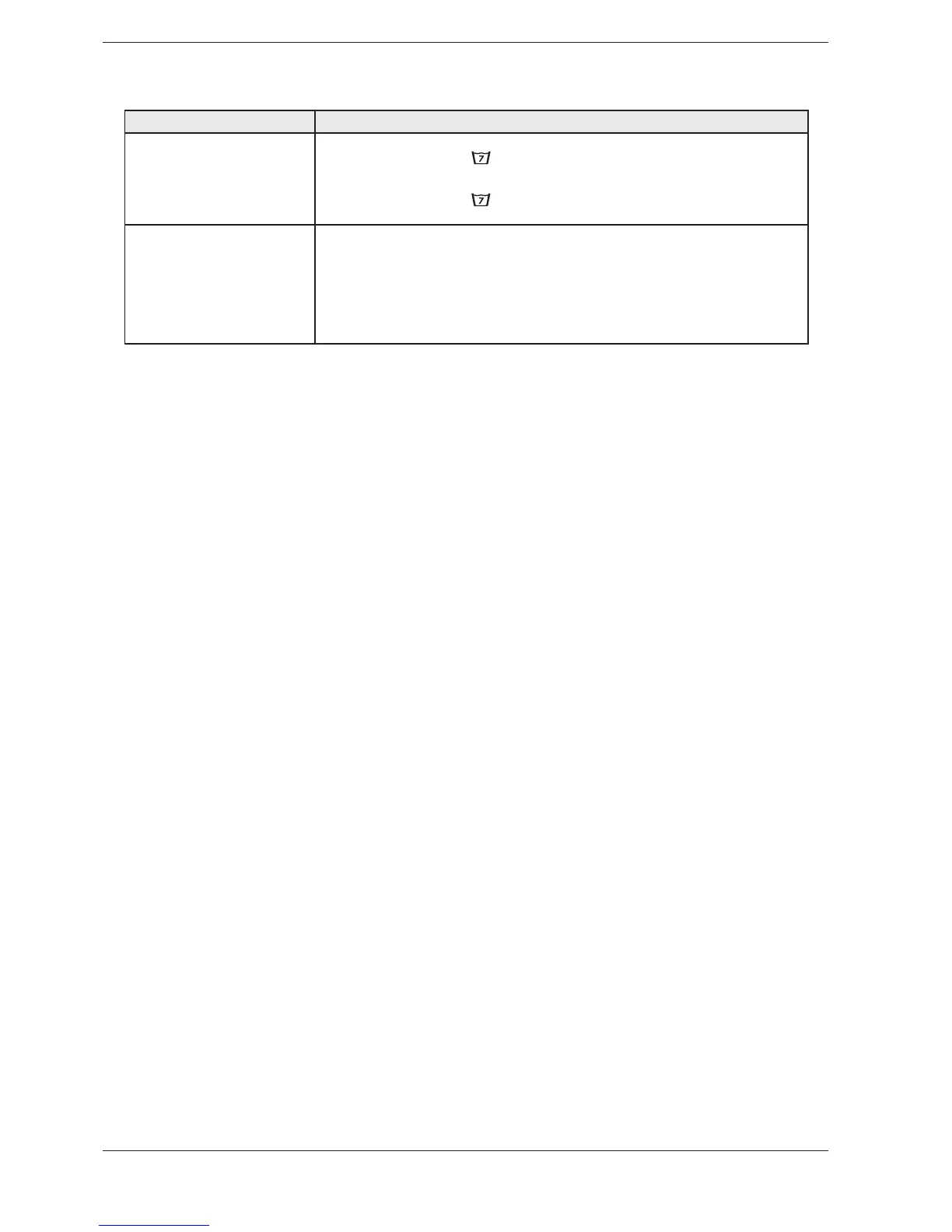
2. Press the Super rinse button
and then the main power switch.
v!D/v IS SHOWN ON THE DISPLAY IF AUTOMATIC DOOR OPENING IS ACTIVATED OR v!D&v IF THE OPTION HAS
not been activated.
4. Press the Super rinse button
to change the setting.
5. Press the Door opening button to save the setting.
Rinses
)T IS POSSIBLE TO SET THE NUMBER OF RINSES OR IN THE .ORMAL AND #OLOUR7HITE PROGRAMMES
1. Turn off the machine using the main power switch.
2. Press and hold the Delayed Start button and then switch on the main power switch.
4HE DISPLAY SHOWS h2 /v IF EXTRA RINSES RINSES IS ACTIVATED OR h2 &v IF IT IS NOT ACTIVATED
rinses).
4. Turn the programme selector to change the setting.
5. Press the Door opening button to save the setting.



 To Next Page