50
EN
Bluetooth pairing guide (PAN)
Connecting the Mobile PD to an Android device
To allow the Mobile PD to connect to the Android device, they need to be paired.
Pairing
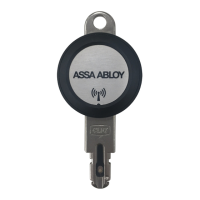
1 Start the Mobile PD by inserting a key to it.
The Mobile PD remains discoverable as long as it is powered.
2 Start the Settings app.
3 Choose Bluetooth.
4 Turn the slider to ON.
The Mobile PD now shows up in the list of devices. If it does not show up,
choose Search for devices.
5 Initiate pairing:
6 In the list of available devices, choose Mobile PD.
7 Choose Pair to confirm the pairing.
You have paired the devices.
First
time connection
– Android







 To Next Page