57
EN
Bluetooth pairing guide (DUN)
Pairing the Mobile PD with a phone
To use the Mobile PD with a Bluetooth enabled mobile phone, they need to be
paired.
Initiate the pairing
Note!
It may be necessary to enter the PIN: The Mobile PD uses a fixed PIN code
“1234”, which possibly needs to be entered in the mobile phone when pairing.
The PIN code is always needed when pairing with a mobile phone that uses
Bluetooth v2.0 (or below). If the mobile phone supports Bluetooth v2.1 (or bet-
ter), the manufacturer might choose not to ask for the PIN code (using the “Just
works” pairing method).
1 Activate Bluetooth on the mobile phone.
2 Scan for devices.
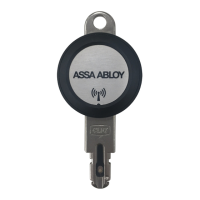
When pairing, a key should be inserted into the Mobile PD. This will start the
Mobile PD, and make it possible to pair a mobile phone. The Mobile PD
remains discoverable for pairing as long as it is powered.
3 Select the desired Mobile PD on the mobile phone to complete the pairing.
When the pairing is completed, the key can be removed.
You have started the pairing attempt.
I


 To Next Page
 Loading...