V1.1 22/01/15 Page 11 of 28
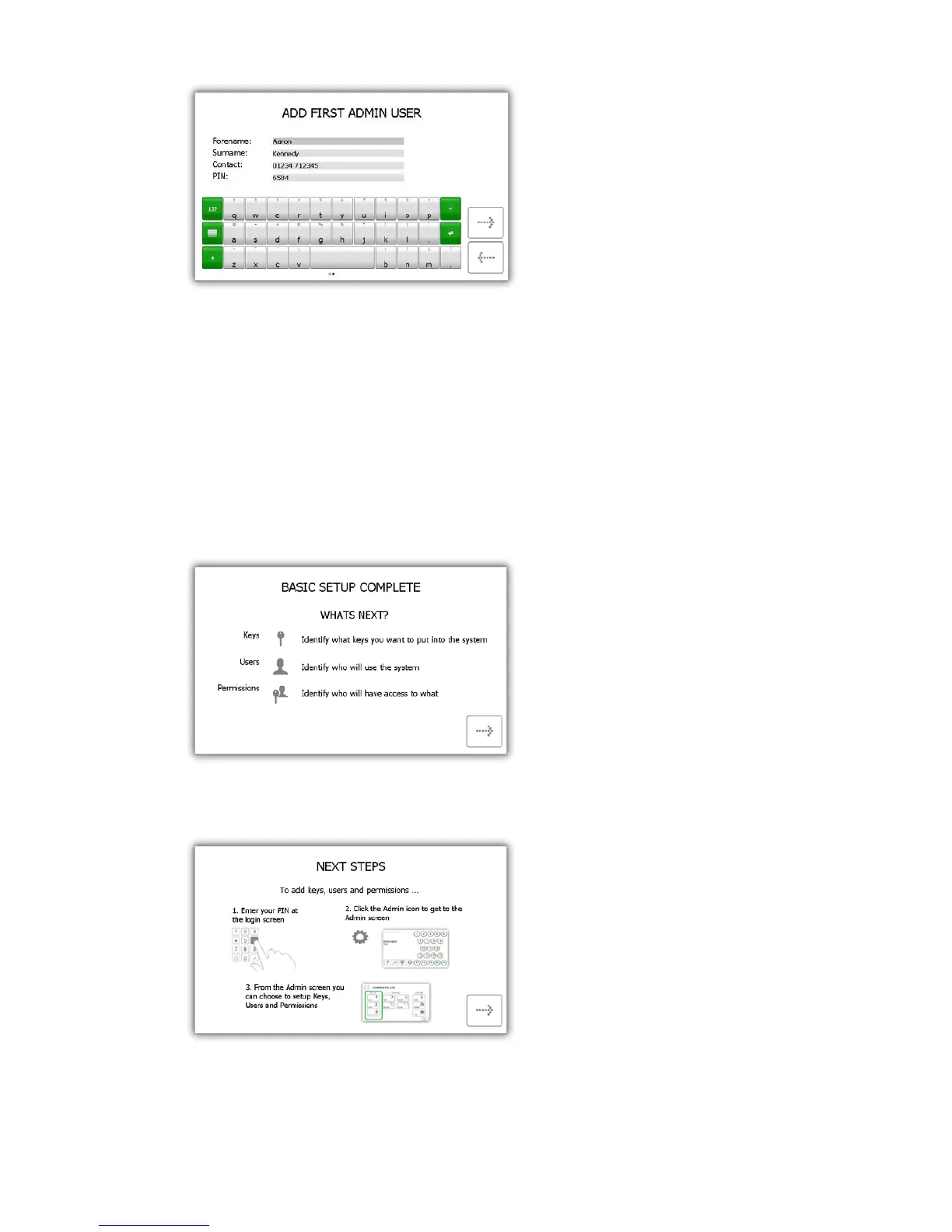
• Contact – This field is for a phone number, fax number, email or any means of contact that the
user is reachable by.
• PIN – The PIN (personal identification number) is the numeric password that will grant you access
into the system. It must be between four and ten digits long.
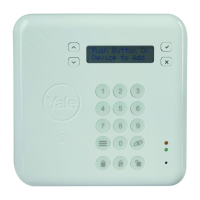
8. The basic setup is now complete. This window will give instructions on what you need to do next. You will
need to identify the following...
• What keys you would like in the system.
• Who will use those keys.
• Who will have access to those keys.
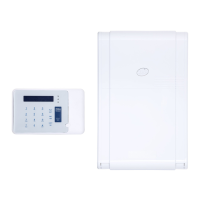
9. The final page of the setup wizard will show how to login to the system and navigate to the administration
menu. Click the forward button to begin.


 To Next Page