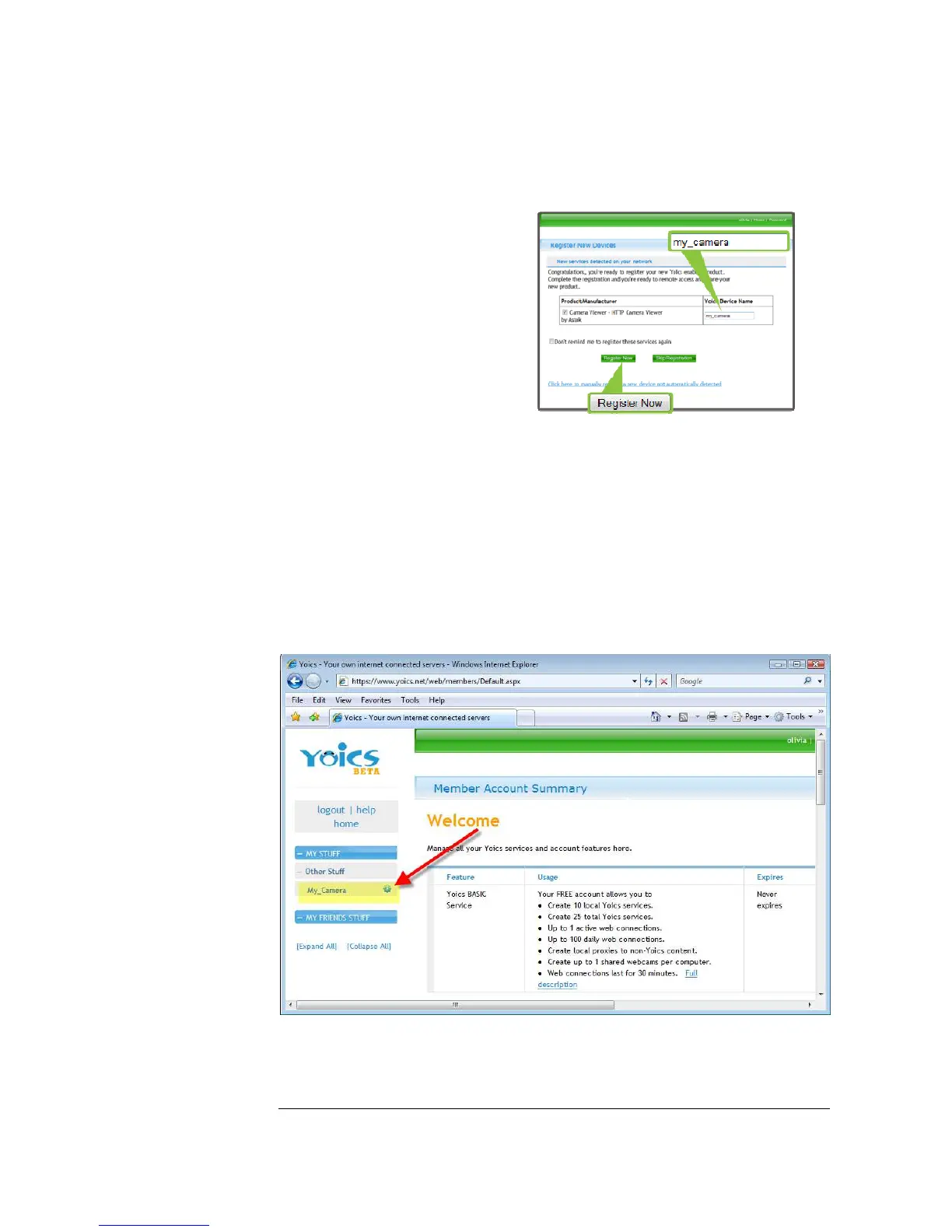
Once you clicked Complete
Registration you will be shown the
Register New Device Window. Simply
give your camera a name of your
choice.
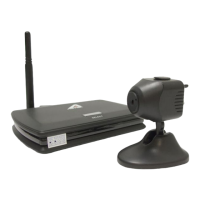
That’s it. Your camera is now
registered and configured. Simply
login to yoics.com from any browser
to view your camera, see Chapter 3
for more information.
Configuring for Wireless Networks
If you have purchased the WiFi version of the ASTAK camera, the following
instructions detail how to configure your settings to configure your camera for your
network.
Once you’ve logged in to the Yoics web access screen, simply click on your camera’s
name.


 To Next Page