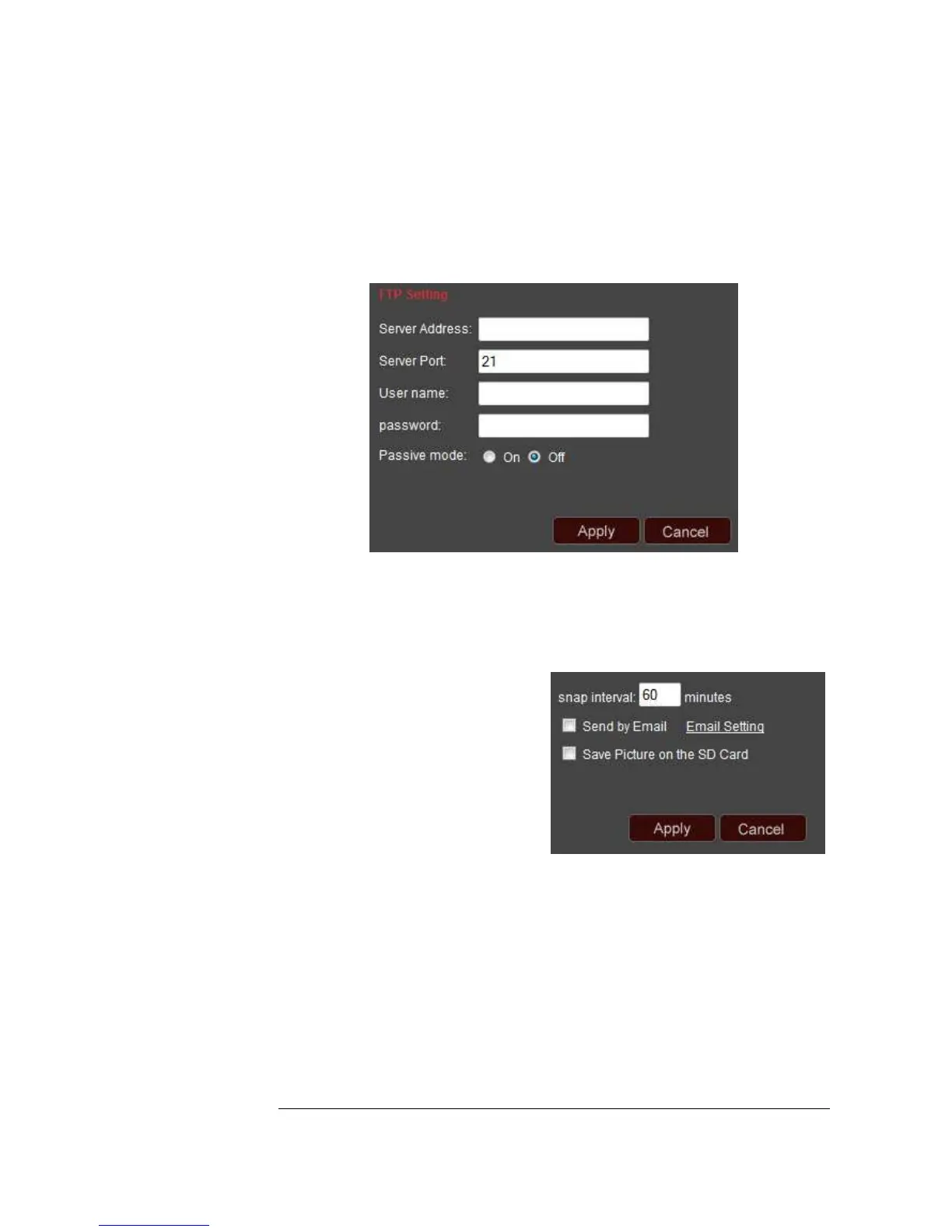
FTP
In this section, you can configure your FTP settings. If you have access to an FTP
server, you can setup your FTP here so that any recorded videos will be sent to your
FTP server.
*Please click Apply to save your changes.*
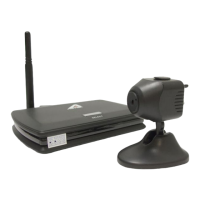
Auto Capture
Your ASTAK camera can be configured to automatically take a picture at a designated
time interval.
Snap interval: Set any duration from 1-
1440 here. For example, in the picture
above, the camera is setup to take a
picture every 60 minutes.
Send by email: You can click this
checkbox if you want the picture to be
sent to your email as soon as the picture
is taken.
Save picture on SD card: you can click this checkbox if you want the picture to be
saved to the on-board SD card so that you can browse it later. (Requires that an SD
card has been inserted in the camera)
*Please click Apply to save your changes.*


 To Next Page