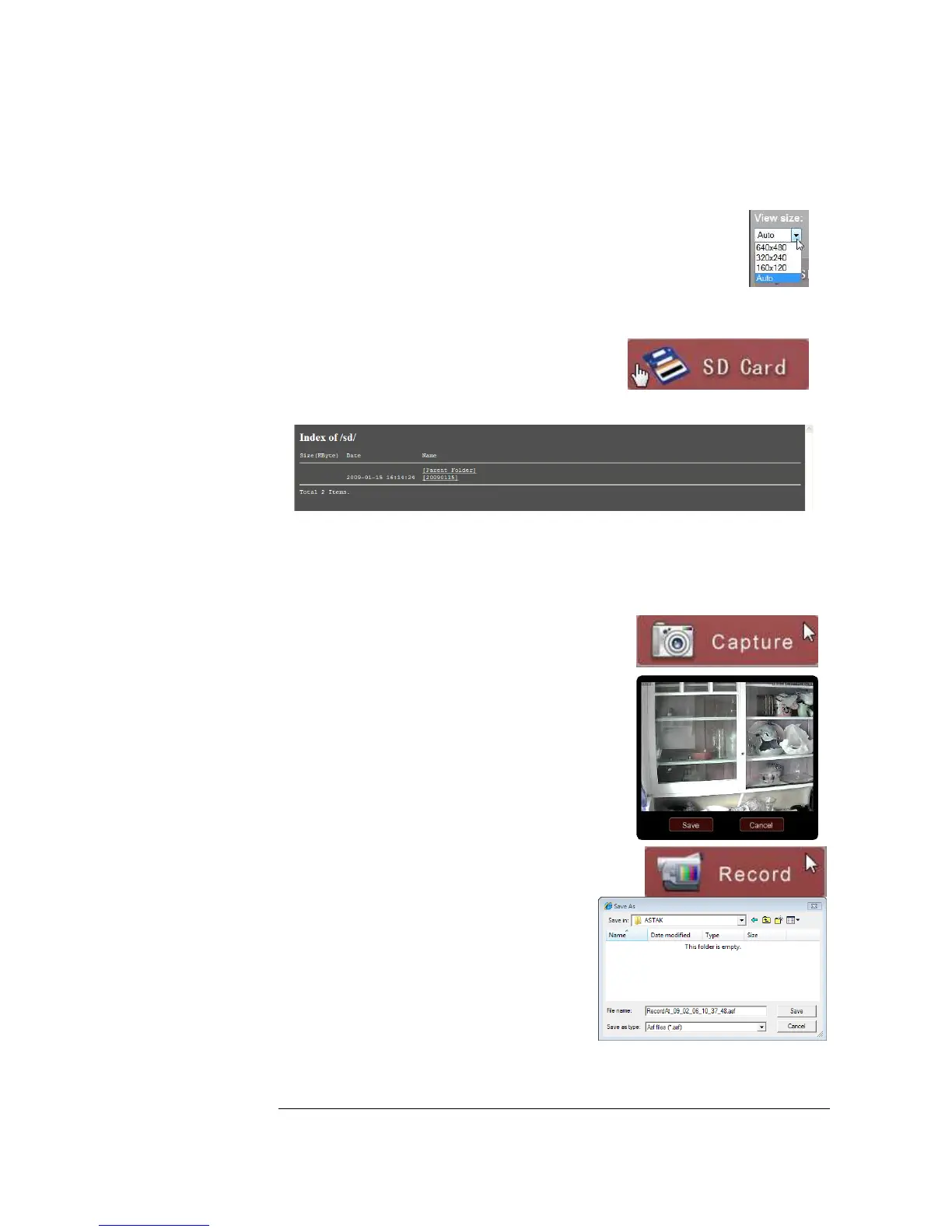
View size
View size allows you to select the default screen resolution that you see
you camera. Auto is the default and is recommended. Lowering image
size may be recommended in slow network situations, where
performance may be an issue at higher resolutions.
SD Card
Selecting the SD card will take you to the camera’s
built in DVR, where all of the videos and images are
stored. This feature is only available if you have
installed an SD memory card into the camera.
Simply select on any folder, then select any link to view any photos or videos that are
stored in your camera.
Capture
Select capture to take a picture of the current view. A
popup of the image will be displayed and give you the
option to save the image on your computer.
Record
The record function allows you to record a video
stream to the computer that you are viewing the camera
from. Upon selecting the button, you will be
prompted to give the video file a name, then
select Save to start recording. Simply hit Record
again to stop the recording.


 To Next Page