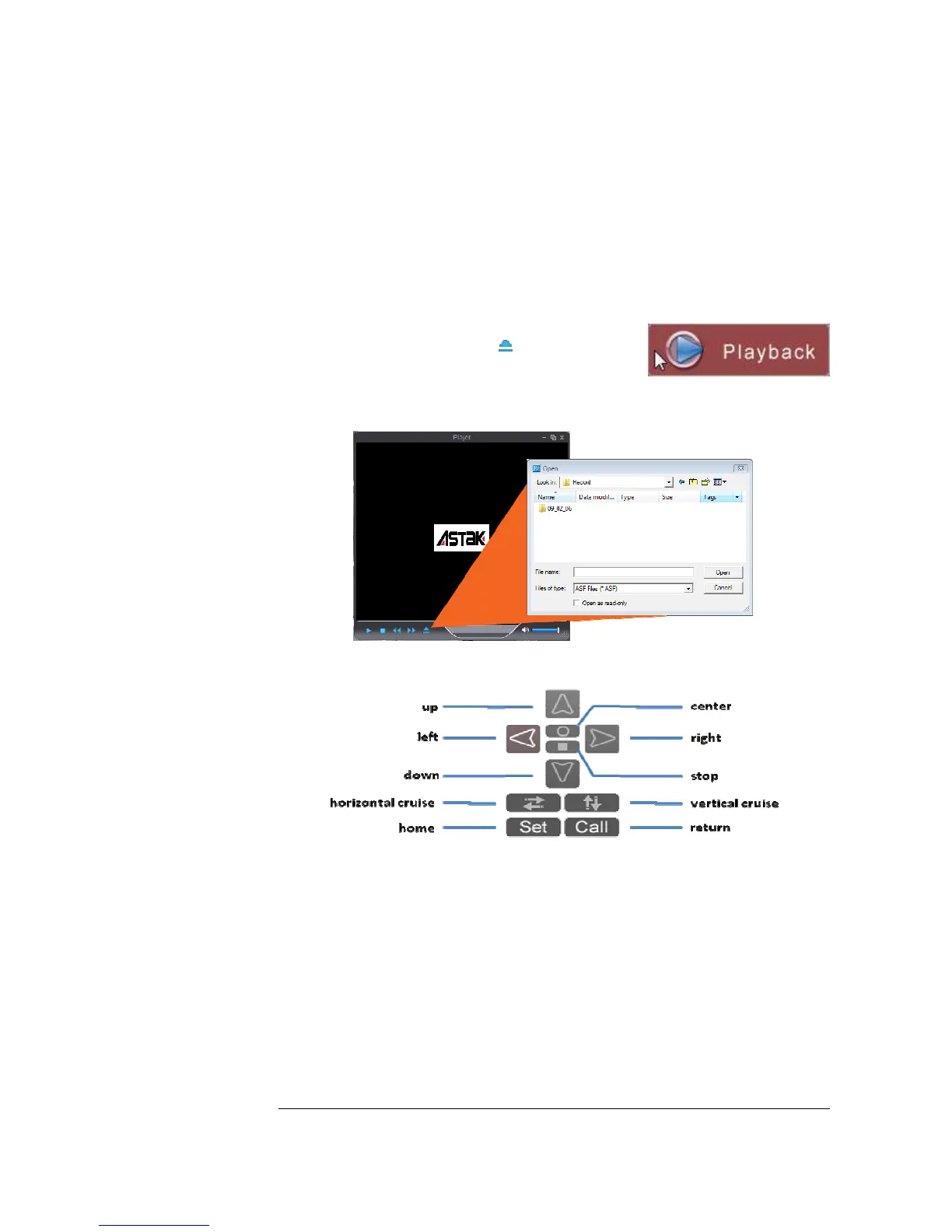
Playback
Playback allows you to view the recorded footage on
your computer. Simply select the button to bring up
a file listing of your recorded files. Note this feature will
play the footage stored on the computer that you are
currently watching from.
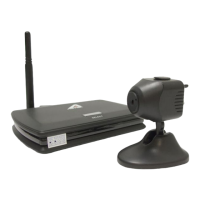
Camera controls
up | down | right | left: Controls the pan and tilt of the camera
center: Moves the camera to center from wherever it is.
stop: Stops the camera from moving (used in conjunction with cruise)
horizontal cruise: Makes the camera pan from left to right
vertical cruise: Makes the camera automatically tilt up and down.
set: defines a home position from the camera.
call: returns the camera to the set position.


 To Next Page