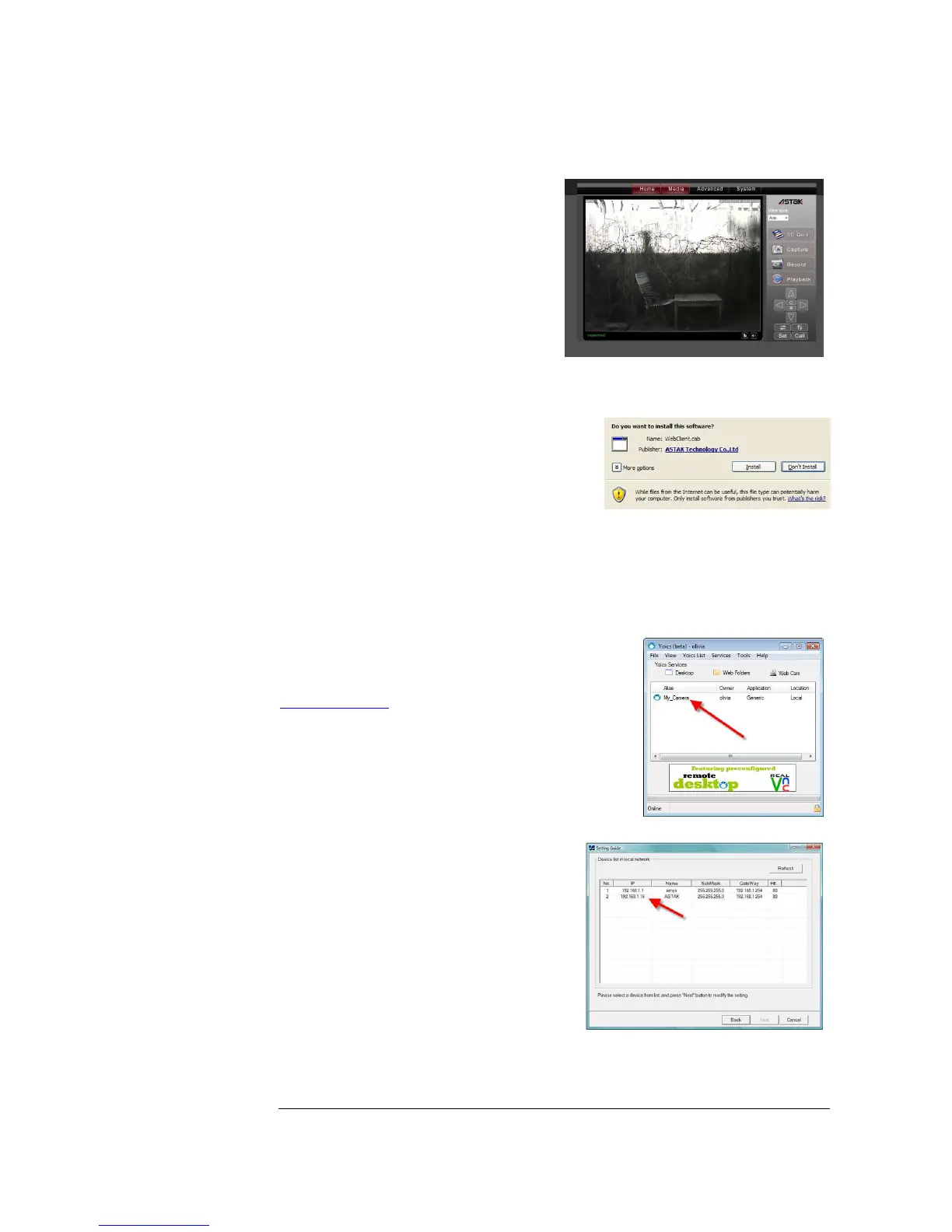
That’s it; once you login you’ll be able to
see your camera.
Internet Explorer
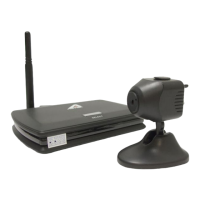
If you are using Microsoft’s Internet Explorer
browser, the first time that you view your camera
you will be prompted to install some additional
software. This software allows a greater viewing
experience by allowing stream feed, simply select
install to add this to your browser.
Note: You will need to repeat this process for each browser/computer that you
use to access this camera.
Accessing through the Yoics desktop
An alternative to using the Yoics web-site to access
your camera is to use the Yoics desktop software. The
software is available for free download at
http://yoics.com. Once installed, simply login using
your same credentials as for web-access and double
click on your camera’s name.
Access by local IP
If you are an advanced network user and
would like to access your camera by your local
IP (Internet Protocol) address, you can do so
using the following steps.
First insert the CD which came with your
camera and run the program called
CamSearcher. This program will discover
your camera on your network and let you
know its IP address.


 To Next Page