Register your camera
Once you’ve connected your camera to your Internet connected network and to AC
power, you’re ready to register and auto-configure your camera. Your ASTAK camera
features Yoics, the easiest way to configure your network device.
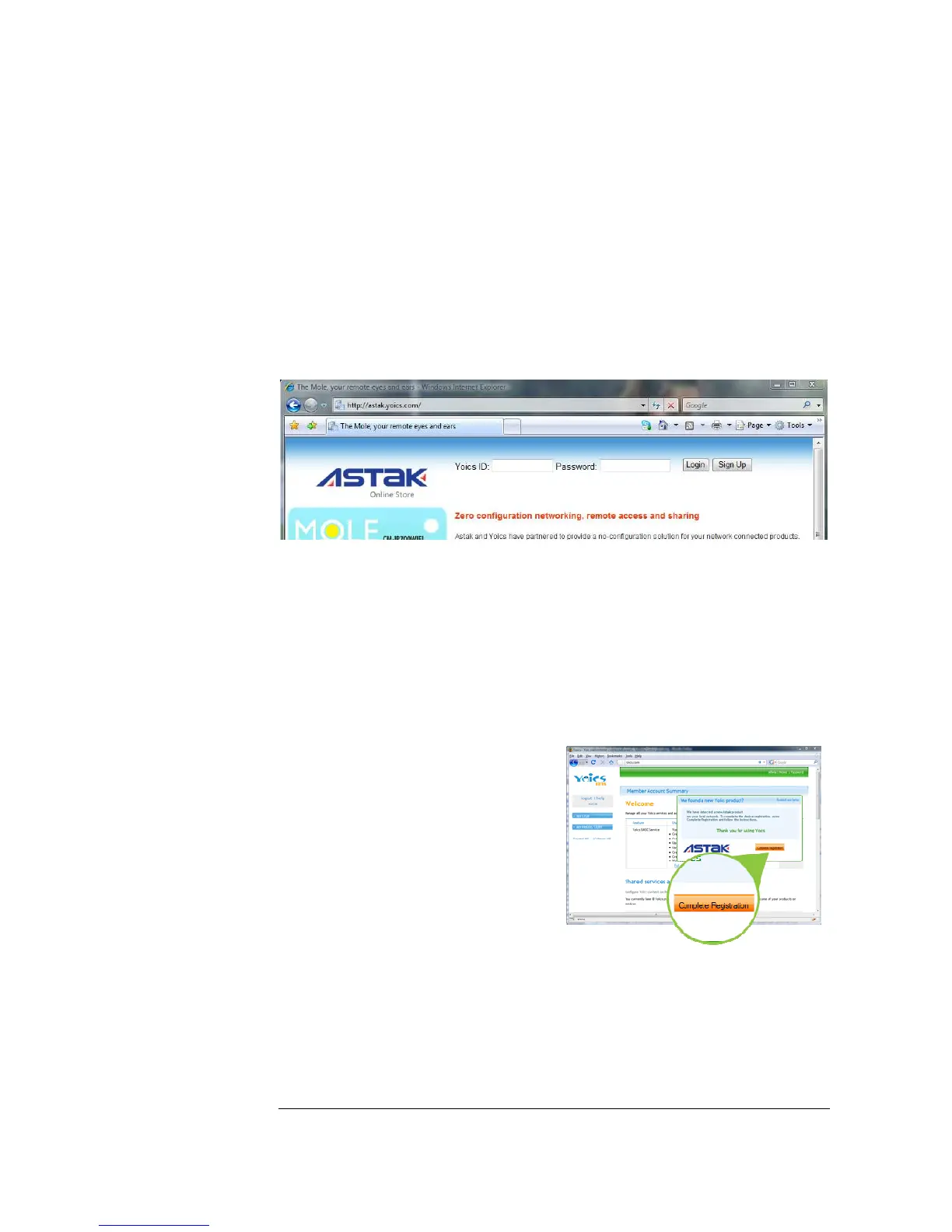
Go to your browser and visit http://astak.yoics.com
If you already have a Yoics account, simply enter your user name and password to
login. Otherwise select Sign Up to create a free account.
Register and configure your camera
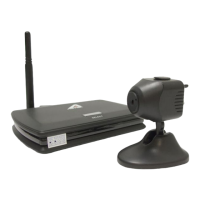
Once you’ve logged in, you’ll be directed to the Yoics web interface. Yoics will
automatically detect your new ASTAK camera and you should see a pop-up window
asking if you want to register you new product. Just click Complete Registration.
Note: If the auto-detection pop-up
doesn’t come up, please log out and try
again in a couple of minutes. Depending
on your network connection, it may take
up to 5 minutes for your camera to be
detected.


 To Next Page