3
-
Starting-up the device
3.
1
- Understanding the interface
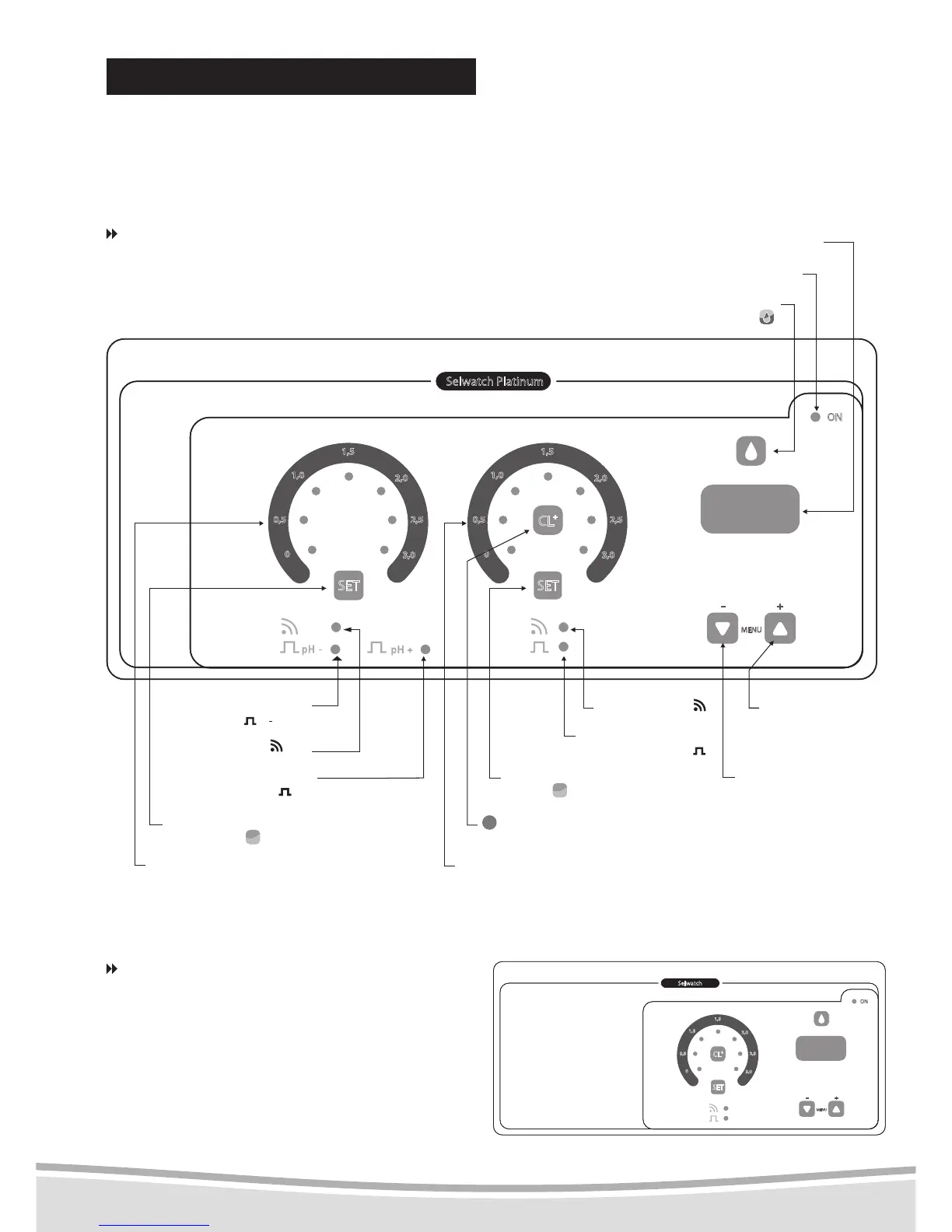
Below you will find a description of the
buttons that will be useful when adjusting
settings and browsing menus.
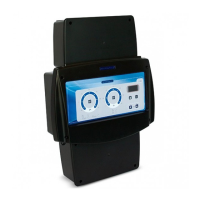
Selwatch models types 3-04, 3-05, 3-06,
3-07, 3-08 and 3-09
See diagram below.
ON indicator
reagents and correctors
release button :
display
pH alarm :
pH
progressive increase
of data button
progressive decrease
of data button
pH- corrector production
indicator: pH:
pH
Chlorine alarm: :
Cl
pH+ corrector production
indicator :
+
pH
chlorine production and
corrector indicator :
pH content selection
button: CpH :
C
pH
Chlorine content selection
button :
C
Cl
Cl
+
button launches an automatic
mini top-up chlorination
pH dial: reading of the content
and adjustment of the setting
Chlorine dial: reading of the content
and adjustment of the setting
ENGLISH
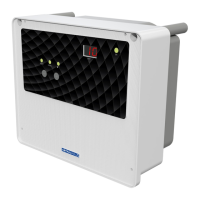
Selwatch models types 3-01, 3-02 and 3-03
Only the pH rate indicators are missing.
See diagram below.



 To Next Page