a
forward
backward
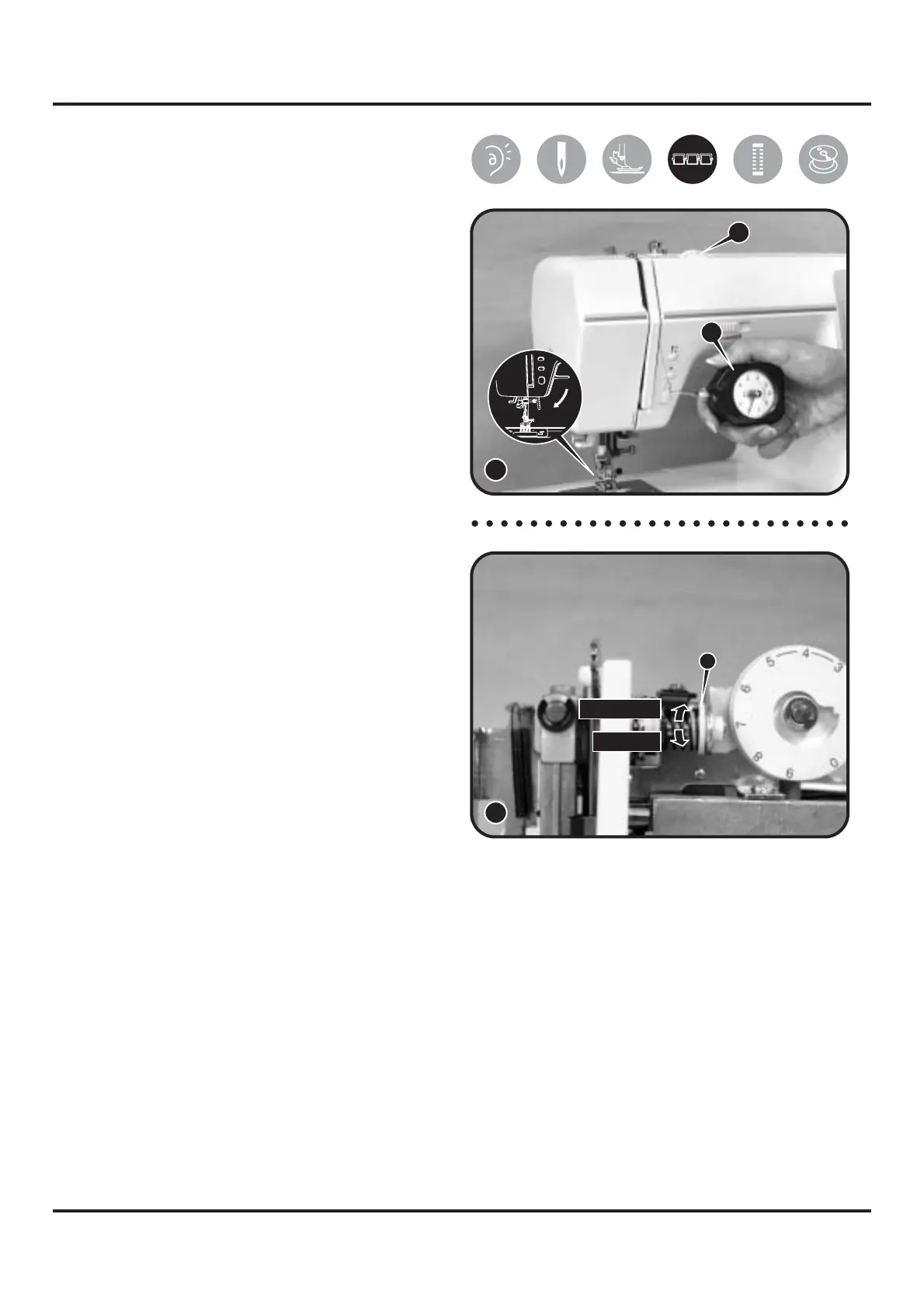
6-17 U p p e r t h read tension
adjustment
1) Remove front cover and set dial tension
(A) to "4". (1)
2) Use a dial tension gauge (150g) (B) to
take measurement. (1)
3) Put dial tension thread into gauge's
hook and pull, the standard range
should be 55~65g.
4) Adjust tension by turning plastic screw
(a) of dial tension regulator frontward /
backward. (2)
Frontward = weaker
Backward = stronger
5) Re-check the standard range should be
55~65g.
25
2
B
A
1


 To Next Page