PLG12863E AFI4700 Pilot’s Guide 28
The glideslope deviation indicator is displayed to the right of the ADI
when VOR is tuned to a valid ILS and is selected as the active NAV
source. It appears as is shown in Figure 2-7 with four white dots and a
green diamond. The glideslope indicator diamond appears yellow on
the offside display when it is tuned to the same navigation source.
If a localizer frequency is tuned and no glideslope signal is provided,
GS FAIL is annunciated in place of the glideslope indicator.
2.5.2 Lateral Deviation Indicator
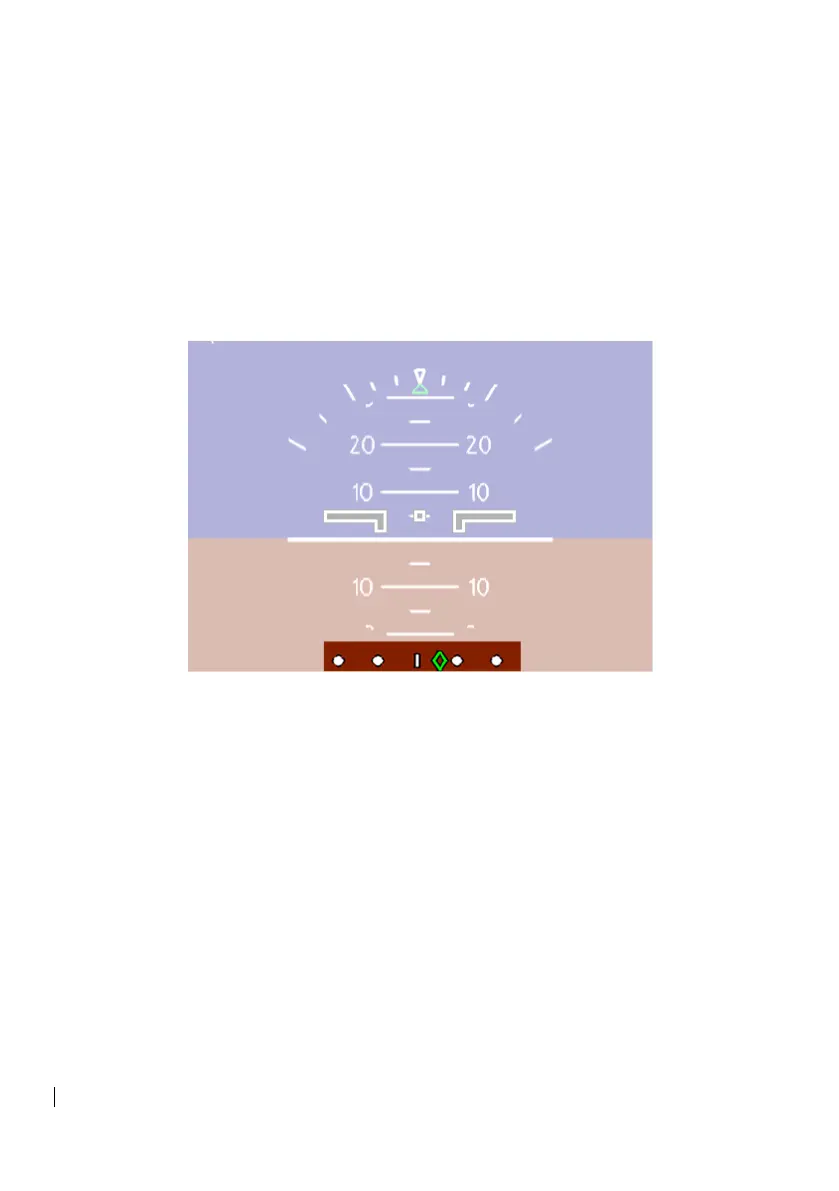
Figure 2-9: Lat Dev Indicator
The lateral deviation indicator is displayed on the bottom of the ADI,
displaying aircraft horizontal orientation to a desired aircraft track. Like
the glideslope indicator, the lateral deviation indicator consists of white
dots and a center tick-mark, which are fixed relative to the aircraft,
while a moving diamond represents the desired track.
When tuned to an approach and not in map mode, the Course
Deviation Indicator (CDI) also displays lateral offset.



 To Next Page