Chapter 5: Work hard, play harder
114
Data Transfer
Transfer your data such as contacts, calendar entries from your old mobile device to your ASUS
Tablet via Bluetooth technology.
To use Data Transfer:
1. Pair your old mobile device with your ASUS Tablet via Bluetooth.
NOTE: For more details on pairing devices, see Pairing your ASUS Tablet to a Bluetooth® device.
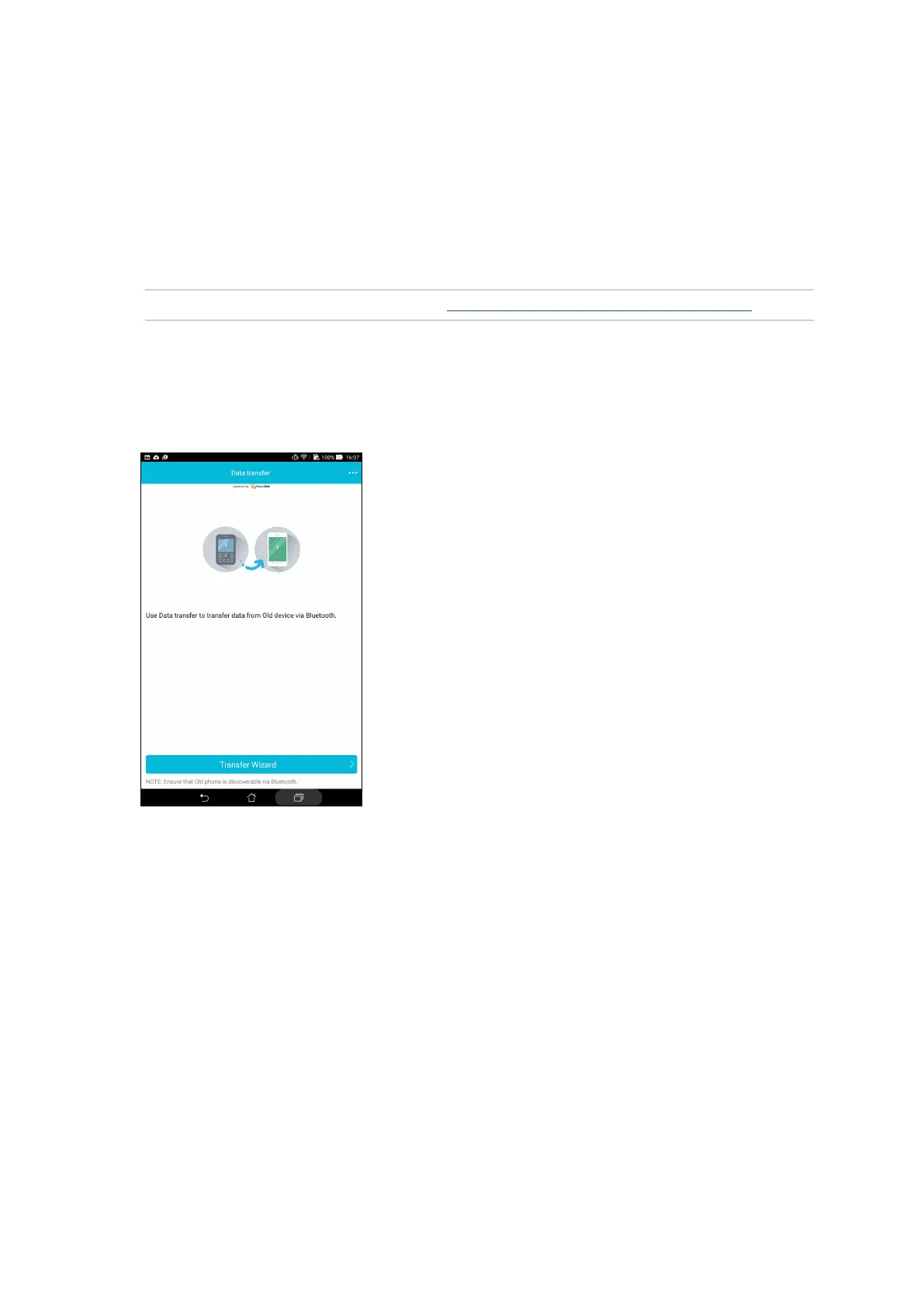
2. From the All apps screen, tap Data transfer.
3. Tap Transfer Wizard then follow the onscreen instructions to complete the Data Transfer
process.



 To Next Page