Chapter 1: Get your Zen ready!
25
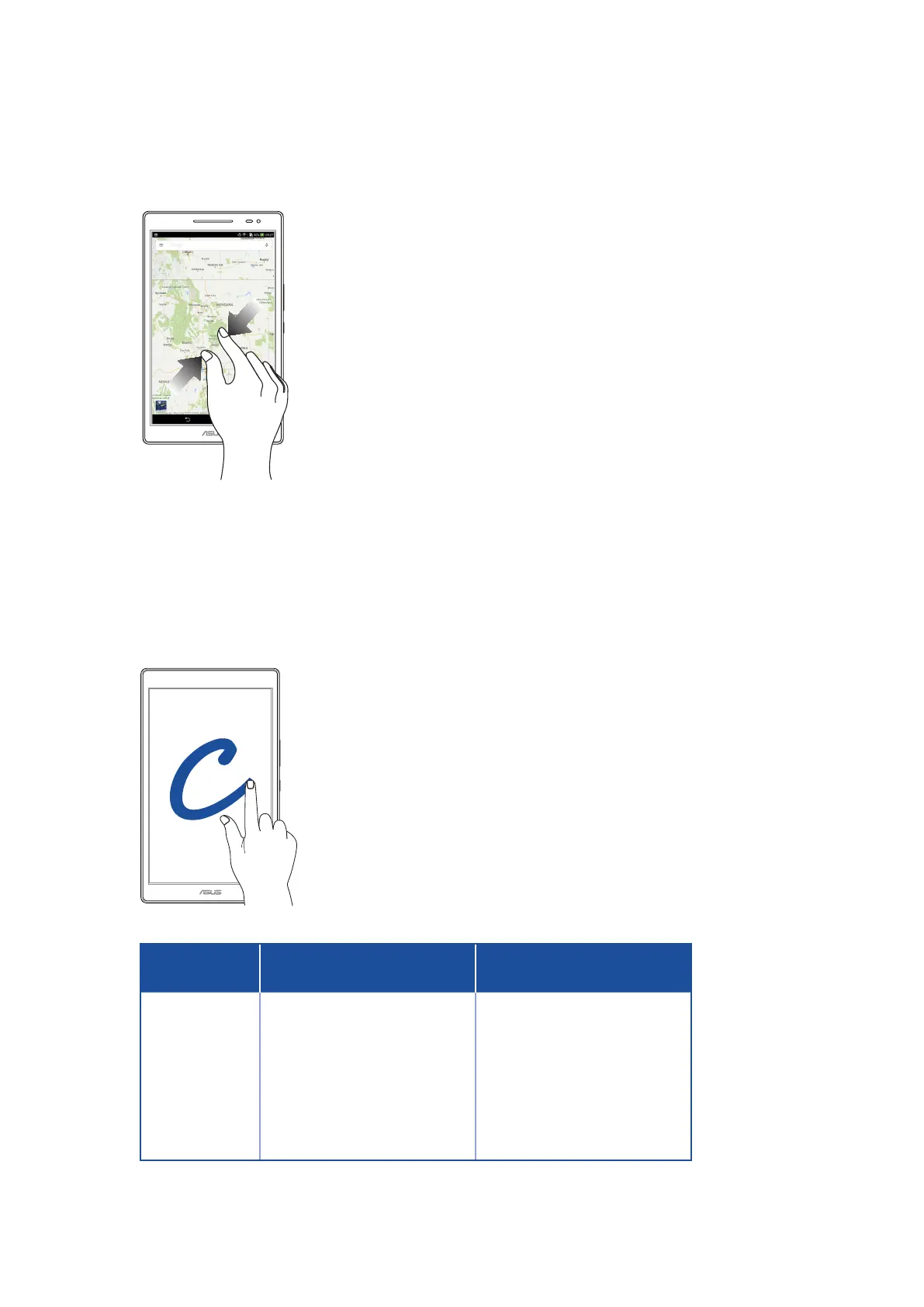
Zooming out
Bring together your two ngers on the touch panel to zoom out an image in Gallery or Maps, or
zoom out of a web page.
ZenMotion
When your touch screen panel is o, with these easy and intuitive gestures, you can launch apps on
your ASUS Tablet in a snap by simply writing down an alphabet.
Gesture
Wi-Fi only models
3G / LTE
(phone function) models
C
Camera Camera
S
Calendar Message
V
Gallery Dialer
W
Browser Browser
Z
ASUS Booster ASUS Booster
e
Email Email



 To Next Page