Chapter 3: Keeping in touch
55
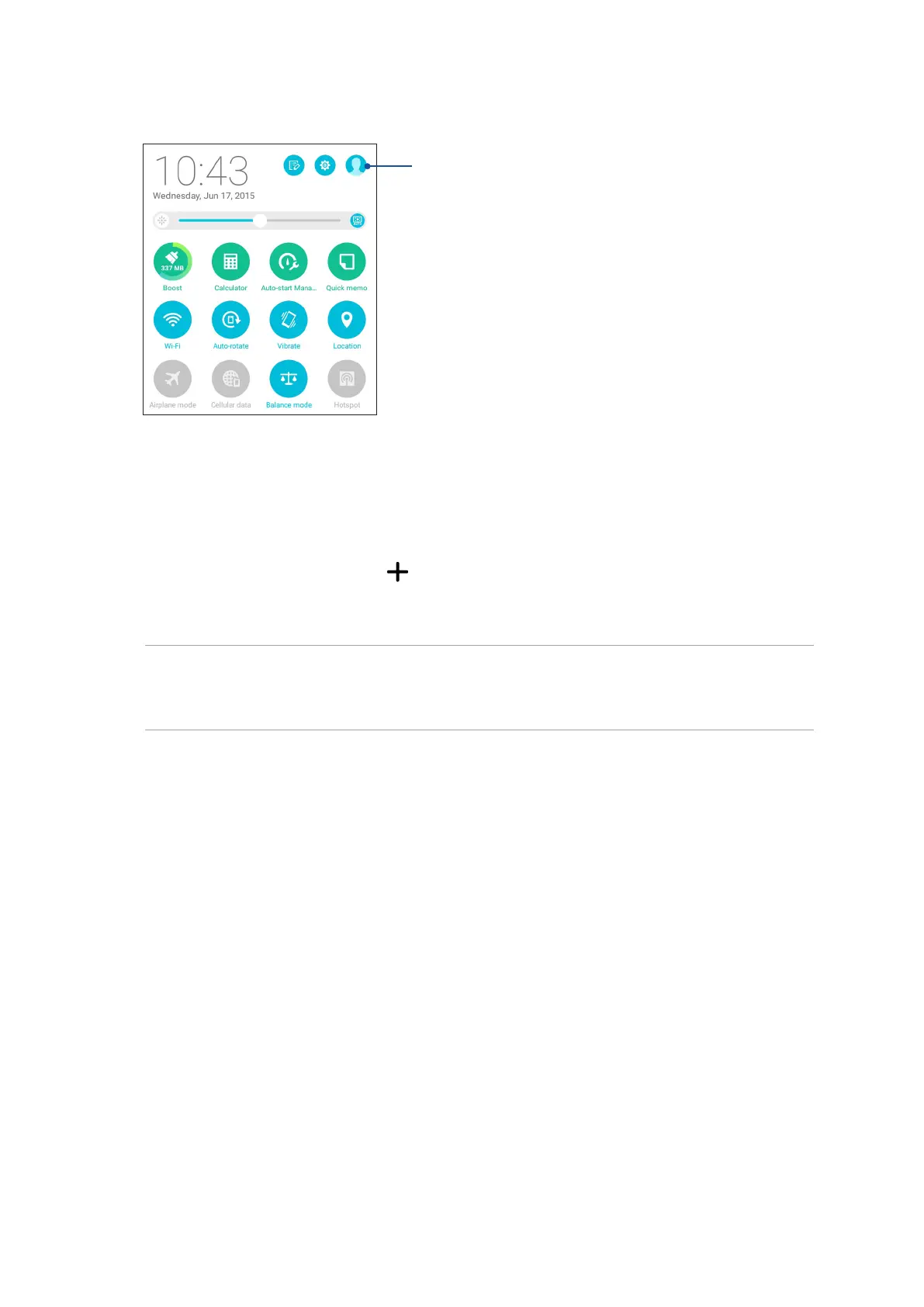
Tap to view your prole info
Adding contacts
Add contacts to your device, corporate, Google, or other email accounts and ll in more important
contact information such as contact numbers, email addresses, special events for VIPs, and more.
1. Launch the Contacts app then tap .
2. Select Device.
NOTE:
• YoucanalsosavethecontacttoyourSIMcard(onselectedmodels)oryouremailaccount.
• Ifyoudon'thaveanemailaccount,tapAdd account then create one.
3. Fill in the neccessary information such as mobile or home number, email address, or group
where you want to put the contact in.
4. After lling in the information and you want to add more contact numbers or email addresses,
tap New.
5. If you want to add other contact information, tap Add another eld.
6. When you’ve completed the info, tap Done.



 To Next Page