Chapter 10: Zen Everywhere
148
Audio Wizard
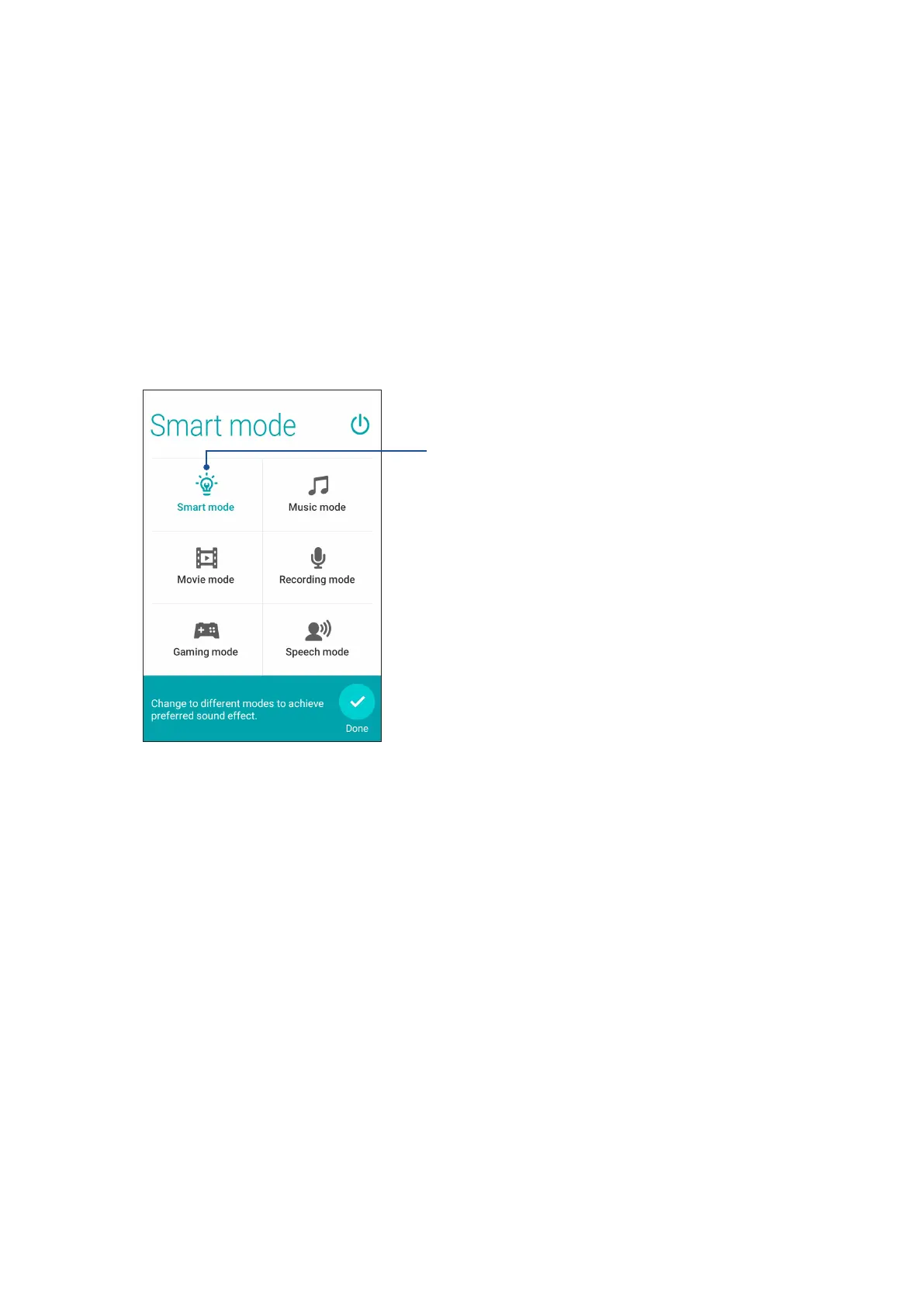
Audio Wizard allows you to customize the sound modes of your ASUS Tablet for a clearer audio
output that ts actual usage scenarios.
Using Audio Wizard
To use AudioWizard:
1. Tap ASUS > Audio Wizard.
2. In the AudioWizard window, tap the sound mode you want to activate then tap Done to save
and exit.
When enabled, the ASUS Tablet auto-switches to the
best audio quality for the currently-running ASUS
app



 To Next Page