Chapter 4: Your precious moments
91
Viewing the photo location
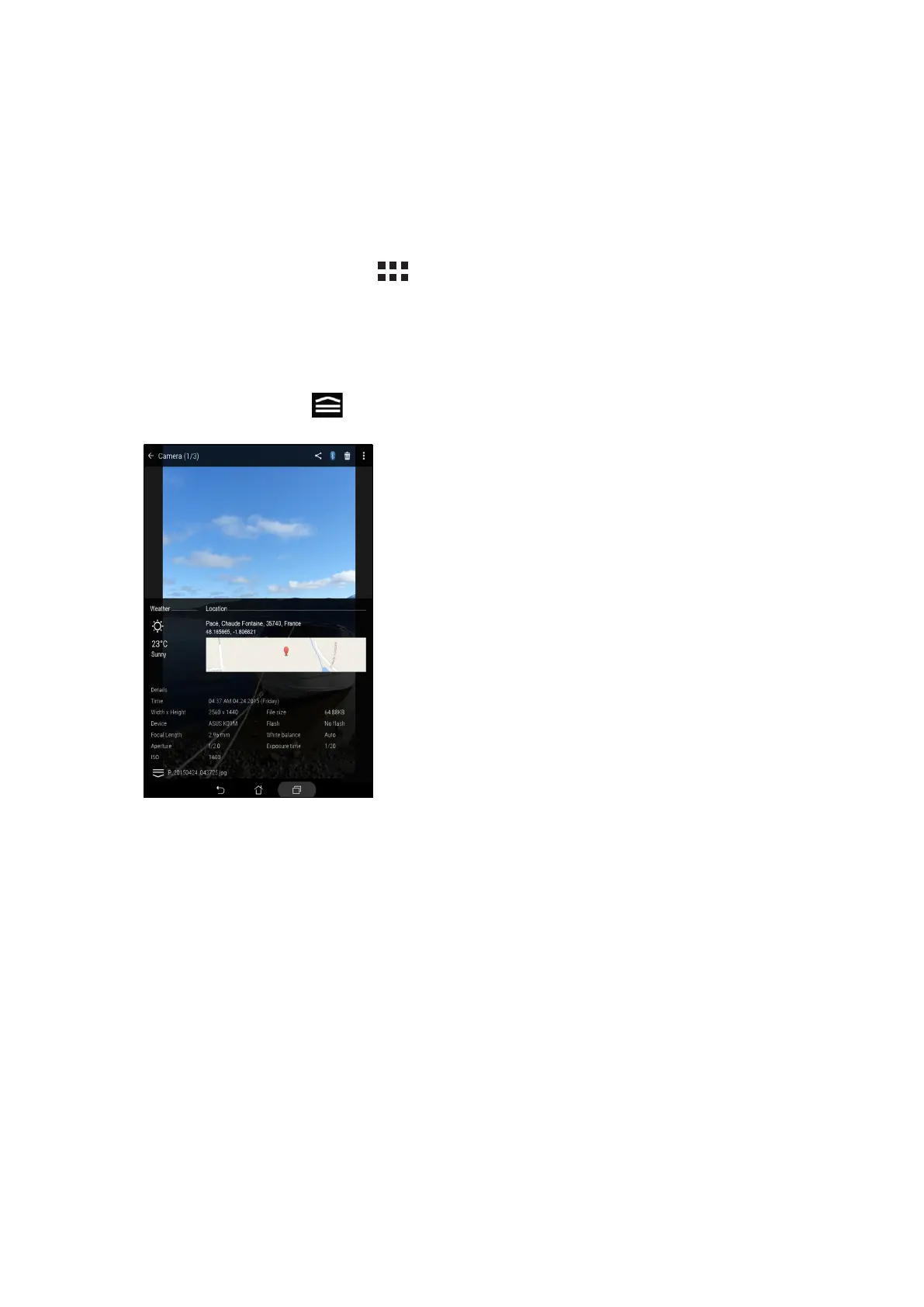
Enable the location access on your ASUS Tablet, and get the location details on your photos. Your
photos’ location details include the area where the photos are taken, as well a map of the location
via Google Map or Baidu (in China only).
To view the details of a photo:
1. Turn on the location access from > Settings > Location.
2. Ensure that you have shared your location to Google Map or Baidu.
3. Launch the Gallery app, and select the photo whose photo details you want to view.
4. Tap the photo then tap .



 To Next Page