Chapter 10: Zen Everywhere
150
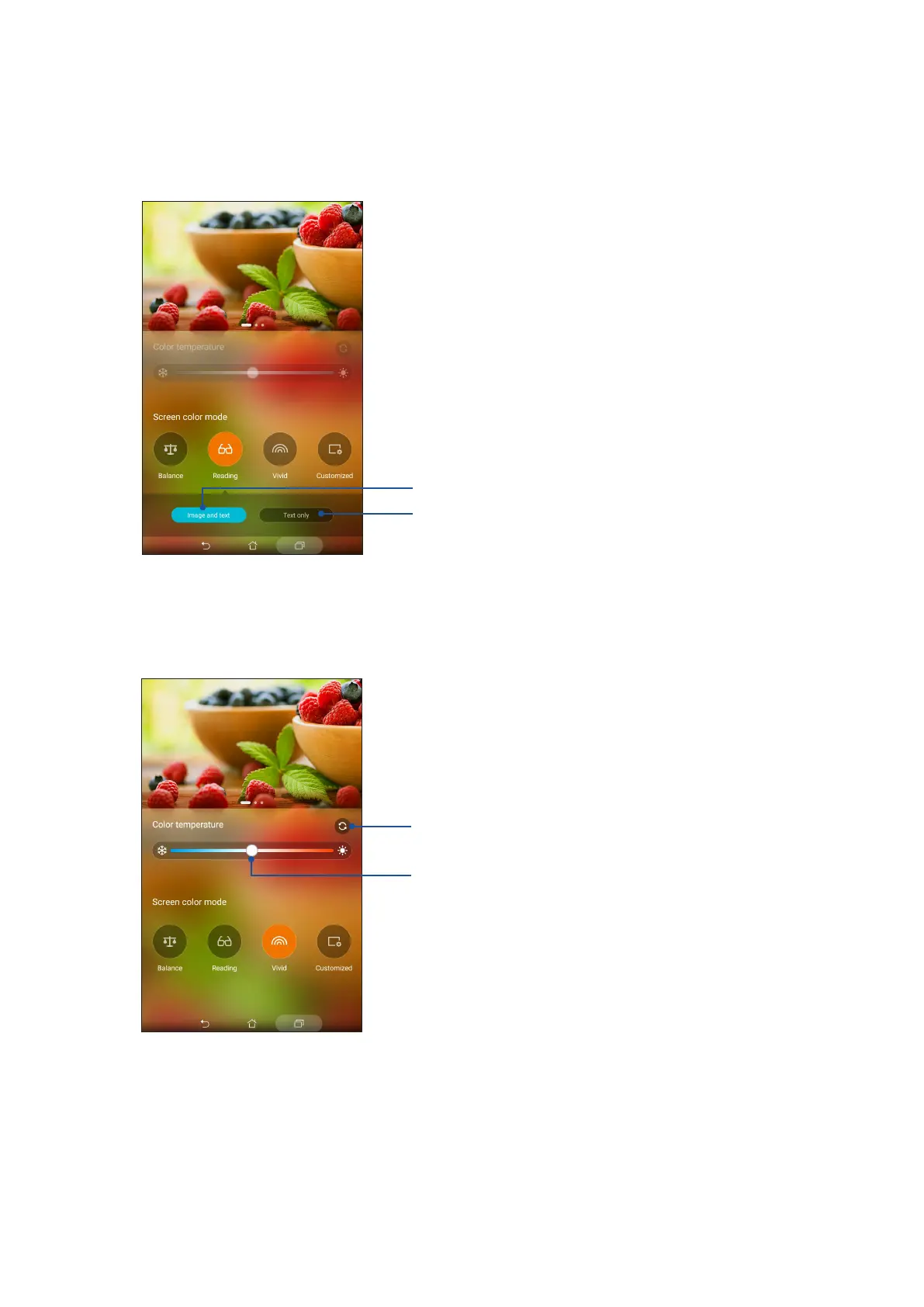
Reading mode
This mode provides a mild paper-like display that reduces eye strain for a comfortable reading
experience on your ASUS Tablet.
Tap for Text only reading mode
Tap for Image and text reading mode
Vivid mode
This mode provides a ne-tuned color preset that enriches the screen color of your ASUS Tablet.
Move to adjust the color temperature
Tap to reset to factory defaults



 To Next Page