Chapter 1: Get your Zen ready!
23
Using the touchscreen
Use these gestures on the touchscreen to launch apps, access some settings, and navigate your
ASUS Tablet.
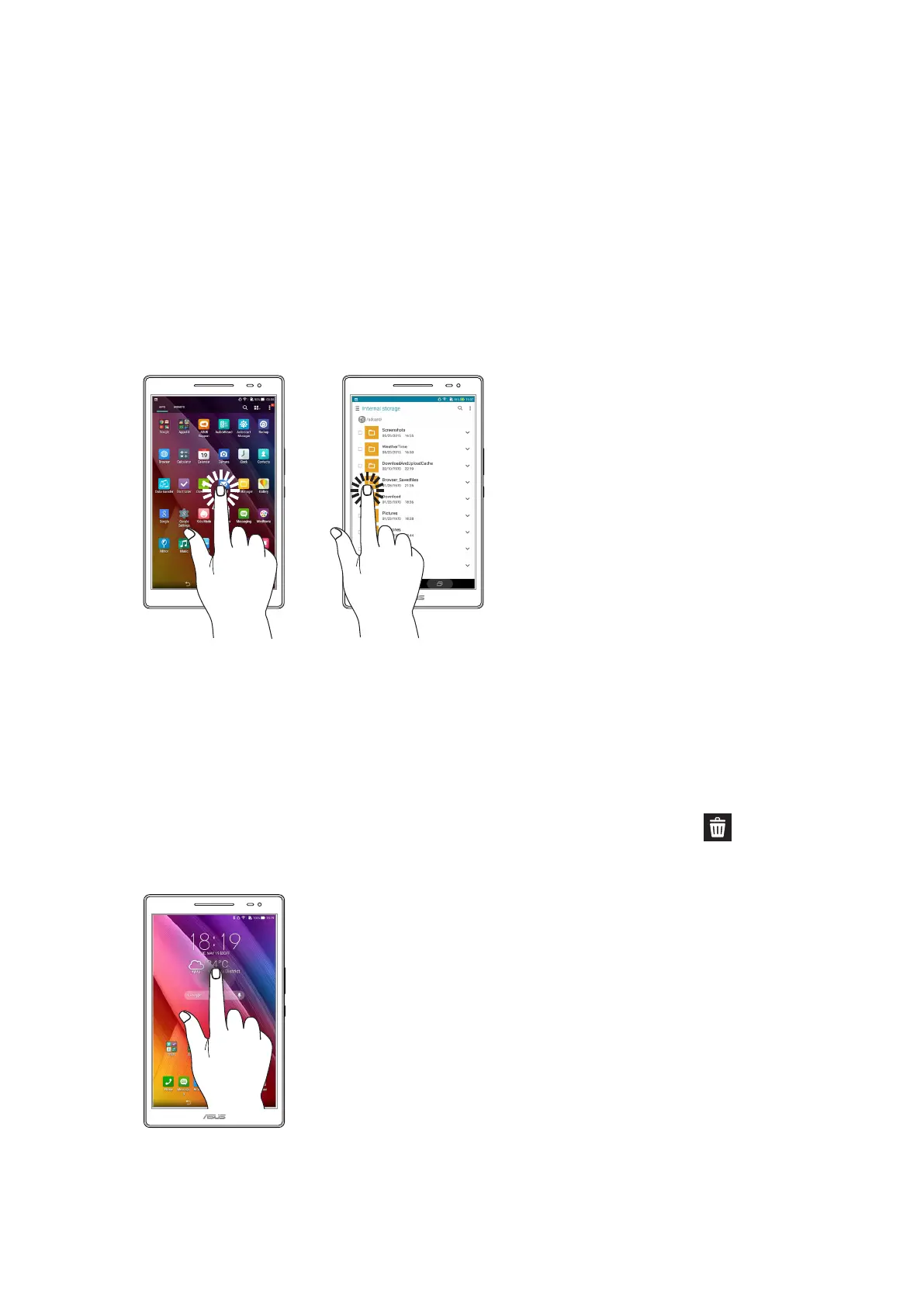
Launching apps or selecting items
Do any of the following:
• Tolaunchanapp,simplytaponit.
• ToselectanitemsuchasinFileManagerapp,simplytaponit.
Moving or deleting items
Do any of the following:
• Tomoveanapporwidget,tapandholdthendragittothelocationwhereyouwantittobe.
• TodeleteanapporwidgetfromtheHomescreen,tapandholdthendragitto Remove.



 To Next Page