Chapter 3: Keeping in touch
50
Managing multiple calls
Your ASUS Tablet provides you the convenience of making or taking two calls. You can also set up a
conference call that suits for business meetings, party lines, and other group calls.
Answering another call
While you are talking on your ASUS Tablet, you can hear a beeping sound, indicating of another
incoming call. Tap Answer on the touch screen to receive an incoming call while on an active call.
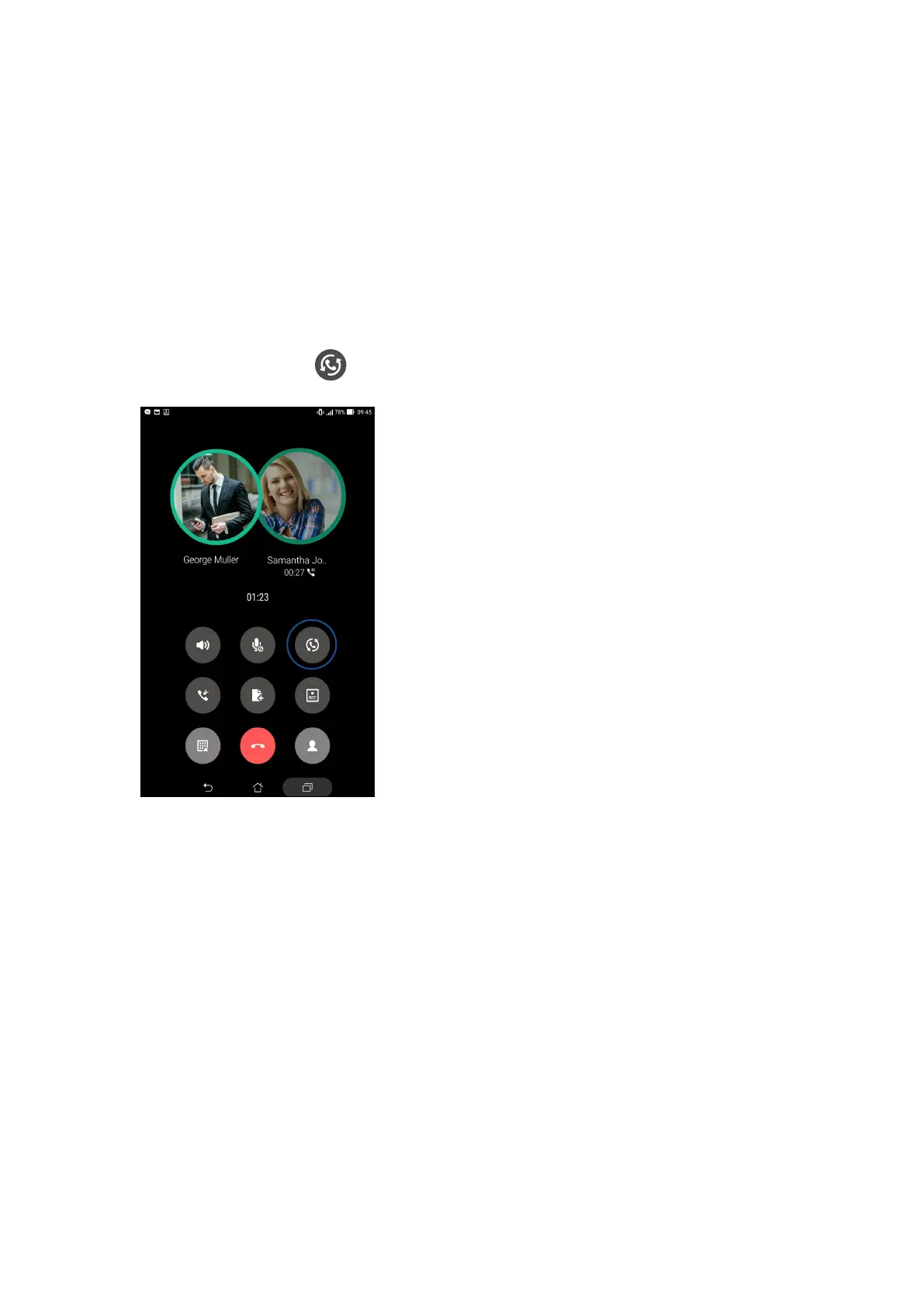
Switching between calls
To switch between calls, tap on the touch screen.



 To Next Page