Chapter 3: Keeping in touch
58
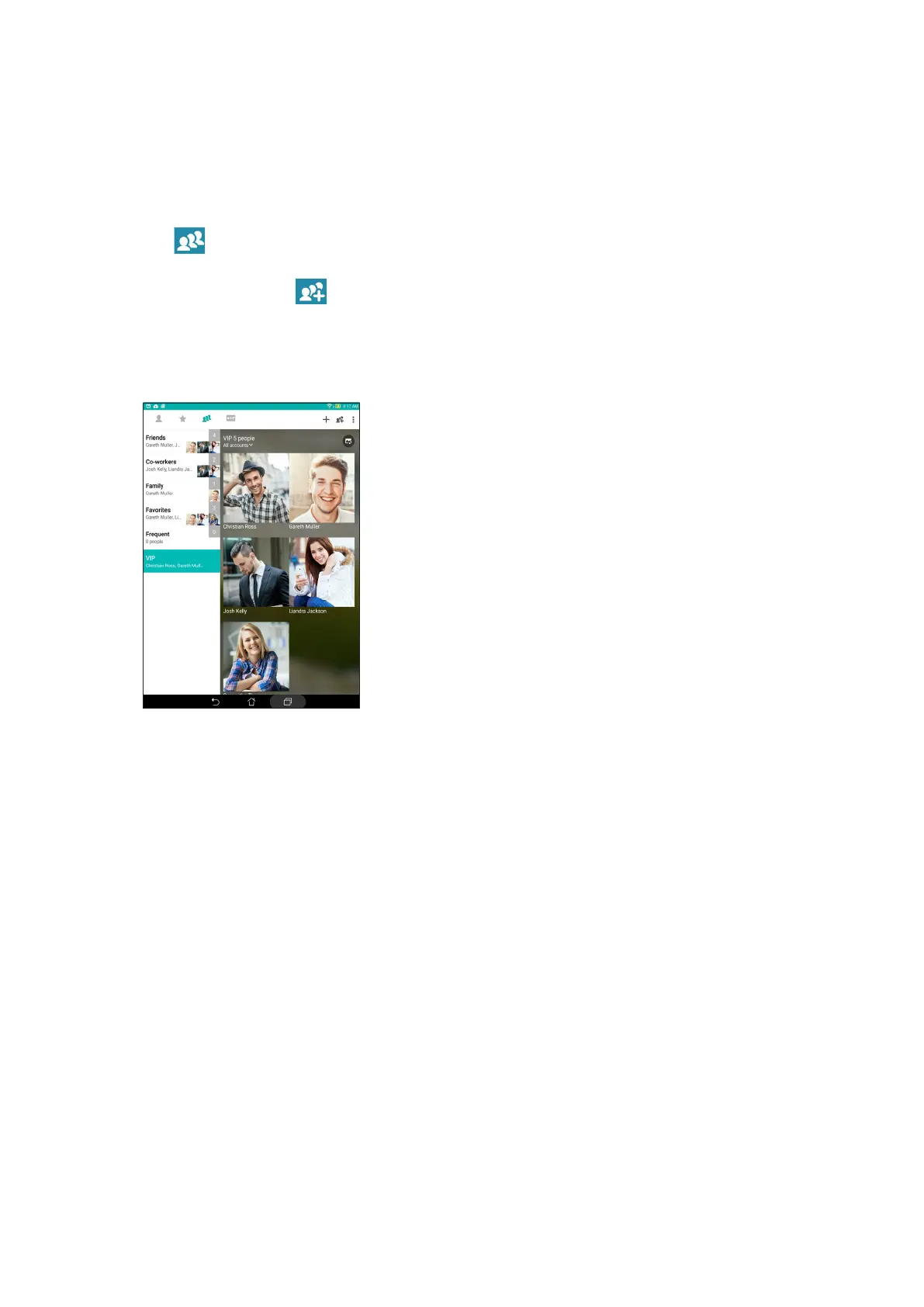
Set up your VIP from the Groups screen
To set up your VIP from the Groups screen:
1. Launch the Contacts app.
2. Tap > VIP.
3. In the VIP screen, tap .
4. Select the contact or contacts you want to group as VIPs, then tap Add. The contact or contacts
are added to your VIP list.



 To Next Page