143
NewStation
With the NewStation in P550, you can conveniently browse news and blogs anywhere and
anytime.
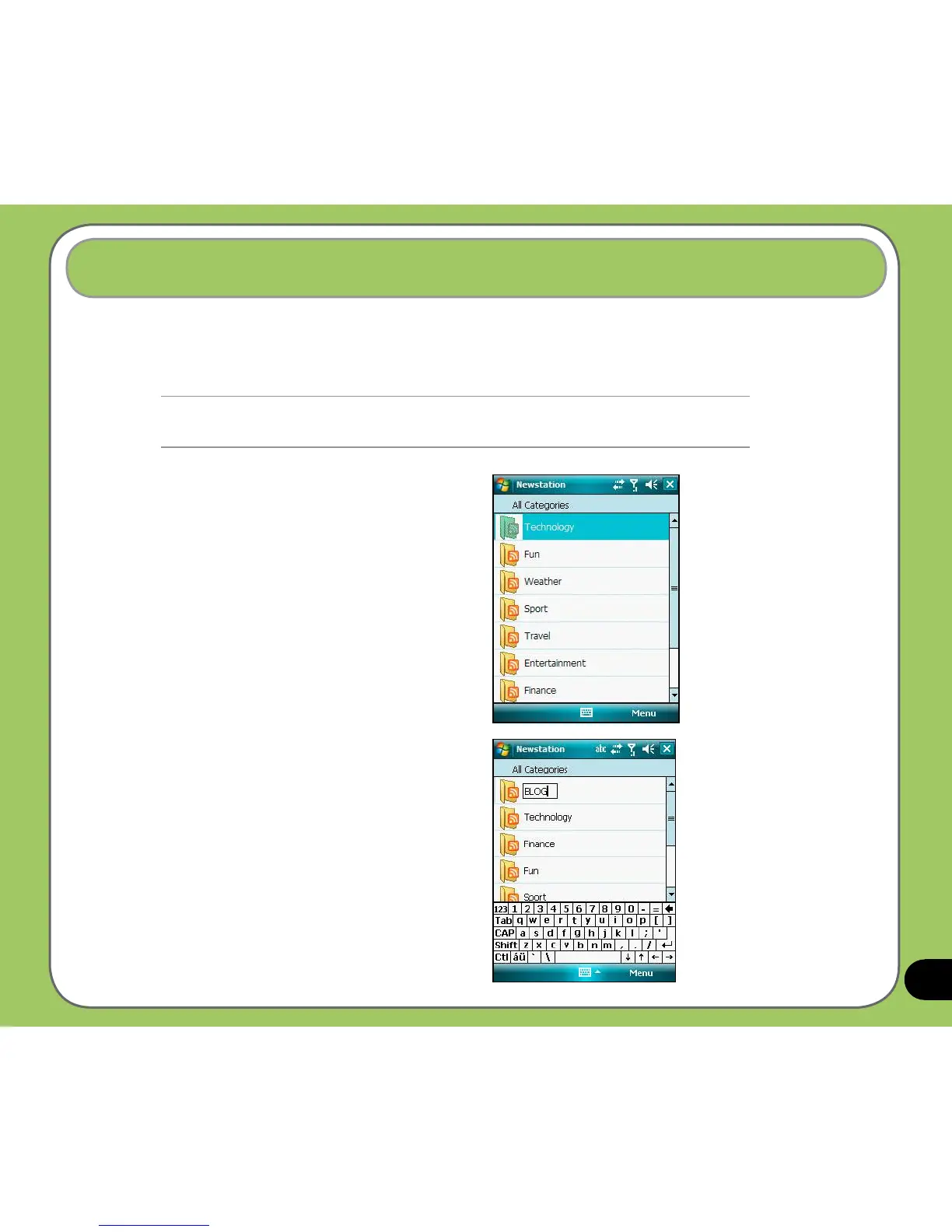
Creating a new category
To create a new category folder:
1. Tap
Start > Programs > NewStation.
2. Tap
Menu > New Category then edit
the category name.
NOTE:
Ensure your device is connected to Internet when using NewStation.
Reading RSS news
To read RSS news:
1. Tap
Start > Programs > NewStation.
2. Tap a category folder to open.
3. Tap a channel name to open.
4. Browse your favorite subjects.



 To Next Page