75
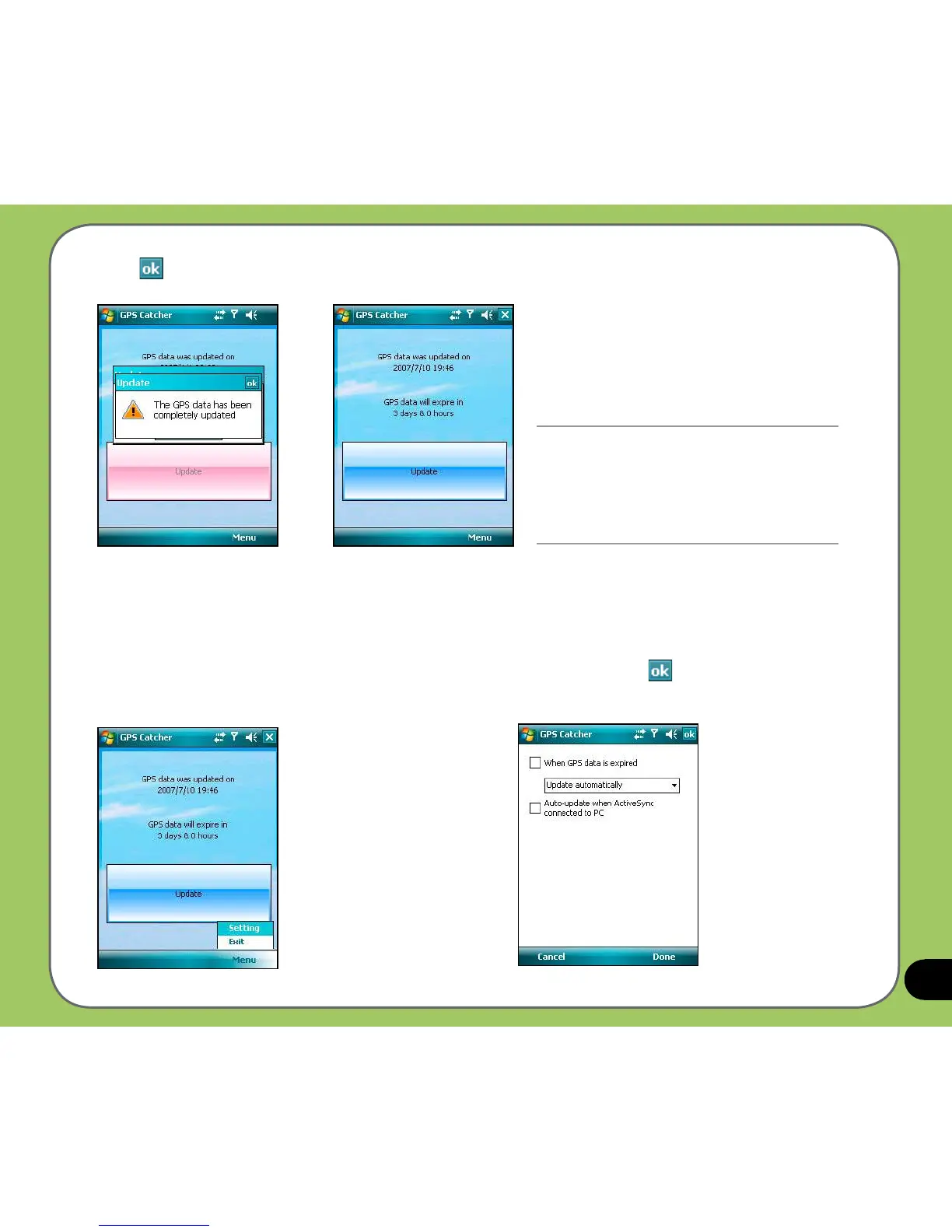
3. Tap
when nished.
Setting GPS Catcher
To set GPS Catcher:
1. From the GPS Catcher screen,
tap Menu > Setting.
NOTE:
The GPS data expires in three days. You
need to update it again when it expires.
You can also set GPS Catcher to update
automatically, refer to the Setting GPS
Catcher section for details.
2. Set the options according to your
preference. Tap
or Done when nished.



 To Next Page