83
Creating a New POI
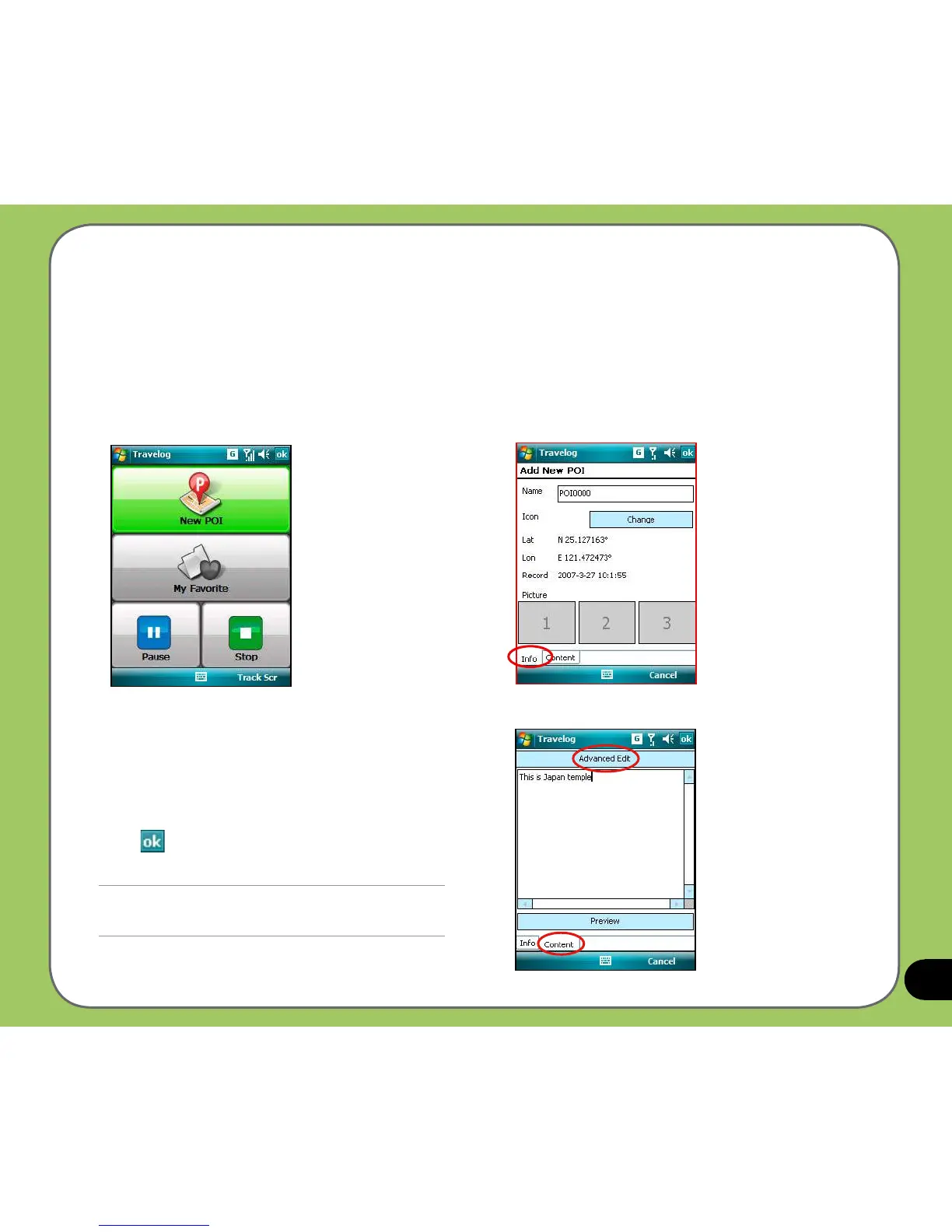
While recording travel track, you can create a new Point of Interest (POI) in current position.
To create a new POI:
1. From the Track screen, tap Menu >
New POI.
2. From the Info tab, you can edit the name
of the POI, change the icon, and add up to
three pictures for the POI.
3. In the Content tab, you can add a
description to the POI. You can also change
the text font and color in the Advanced Edit.
4. Tap when nished.
NOTE:
The New POI function is disabled when GPS is off.



 To Next Page