68
If you have set a default GPRS connection, it automatically connects when you launch an
application that connects to the Internet.
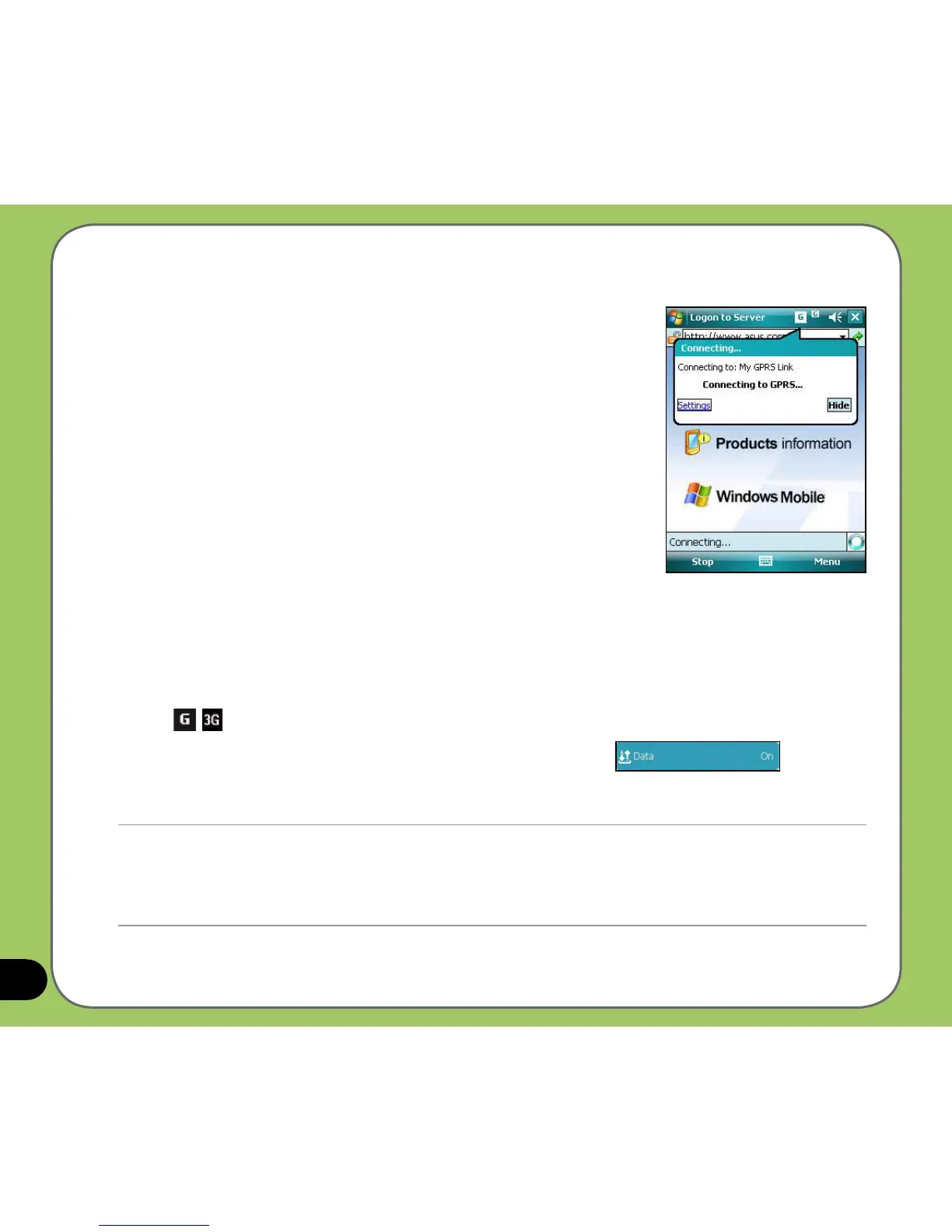
1. Launch any application that connects to the Internet (such as
Internet Explorer). The device will automatically connect to
your default GPRS connection. A pop-up callout appears to
display the connection status.
2. When connected, you can start browsing the Internet. If you
are using Internet Explorer, the default site will be displayed.
Disconnecting GPRS
To disconnect GPRS:
1. Tap
/ from the status bar.
2. From the pop-up callout, tap
Wireless Manager, then tap to
disconnect GPRS connection.
NOTE:
• If your ActiveSync is set to sync with Exchange Server automatically, synchronization will occur after you connect
again.
• GPRS will automatically reconnect everytime you launch an application that requires GPRS connection (such as
Internet Explorer or Pocket MSN).



 To Next Page