65
Setting a GPRS connection
Your P550 allows you to connect via General Packet Radio Service (GPRS). GPRS is a
wireless communication standard that runs at speeds of up to 115 kbps, compared to 9.6
kbps of the current Global System for Mobile Communication (GSM). It supports a wide range
of bandwidth that allows sending and receiving small bursts of data, such as email and web
browsing.
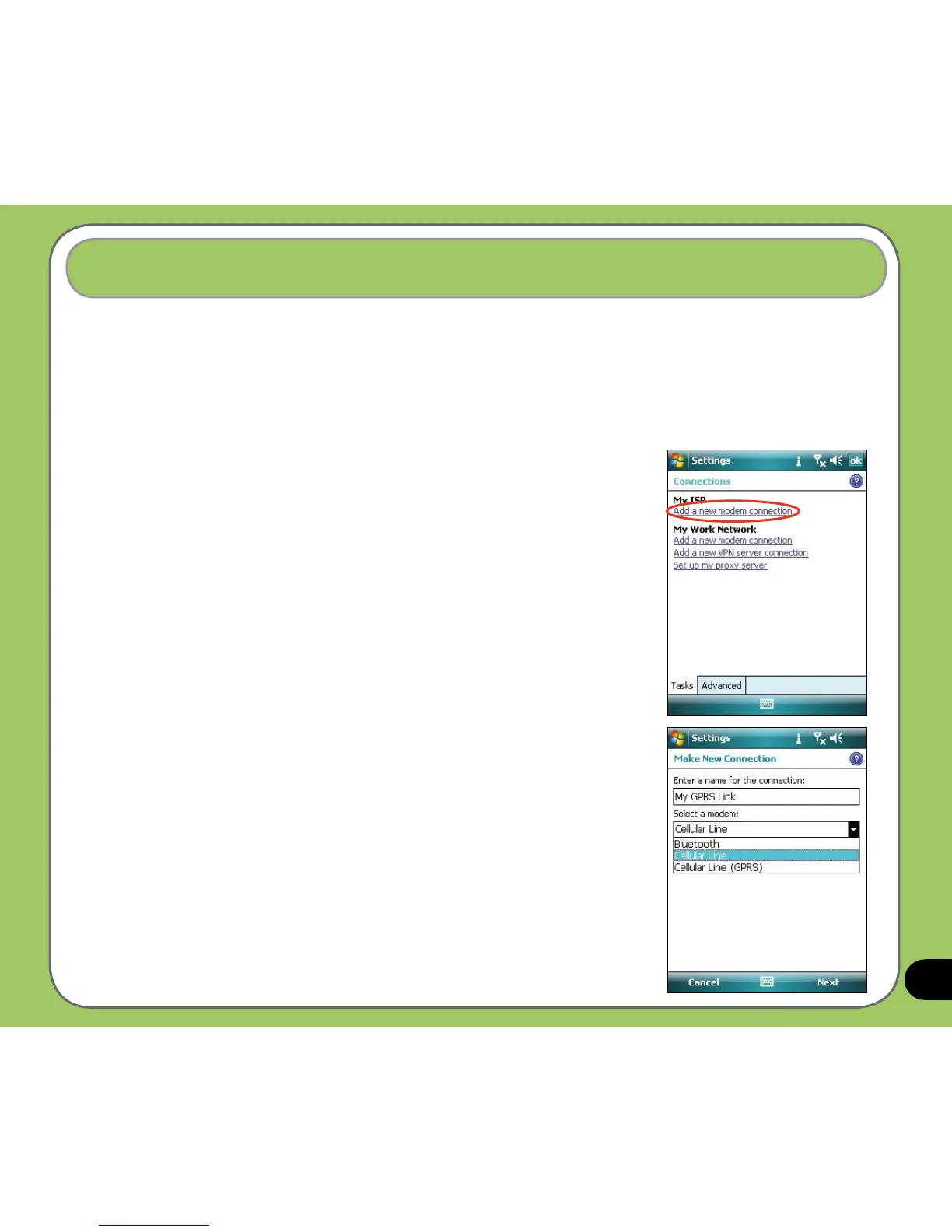
To set a GPRS connection in your device:
1. From the Today screen, tap
Start > Settings > Connections
tab > Connections.
2. From the Connections screen, tap
Add a new modem
connection.
3. Enter a unique name for the connection then select Cellular
Line (GPRS) from the modem list.



 To Next Page