71
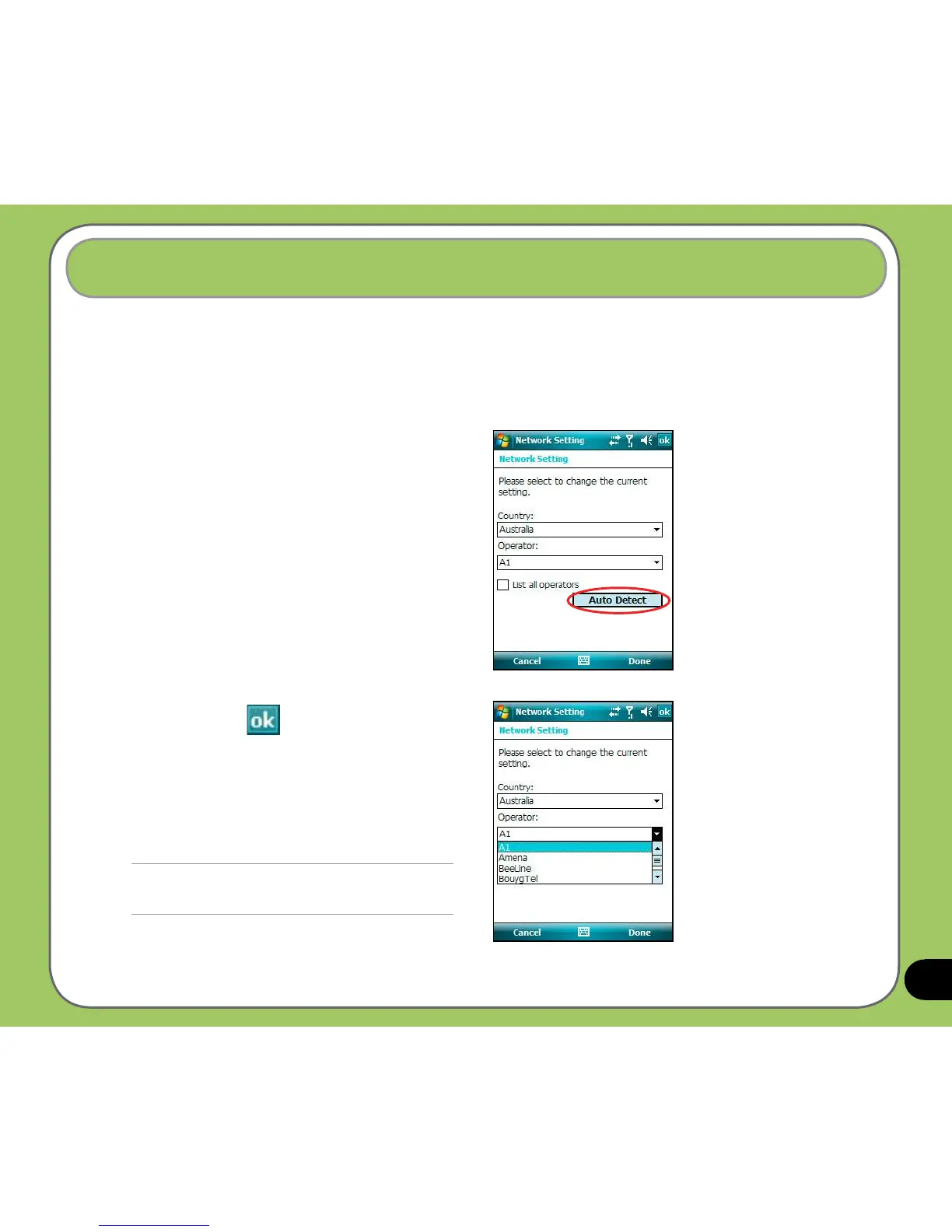
This function helps you to congure network settings automatically according to your SIM
card and your location.
Auto Network Setting
To use Auto Network Setting:
1. Tap
Start > Settings > Connections
tab > Network Setting.
2. Tap the
Auto Detect button to
automatically detect your location and
the correct service operator.
Check the
List all operators box
if you want to see all operators in a
certain country.
You can manually select the country
and operators that you need.
3. Tap Done or when nished.
NOTE:
Operators vary in different regions.



 To Next Page