63
Using Wi-Fi Manager
The Wi-Fi Manager shows connection status and information on a wireless network, and allows
you to manually scan your area for available wireless networks.
To open Wi-Fi Manager, you can do either of the following:
• Tap > Wi-Fi Manager.
• Tap Start > Settings > Connections tab > Wi-Fi Manager.
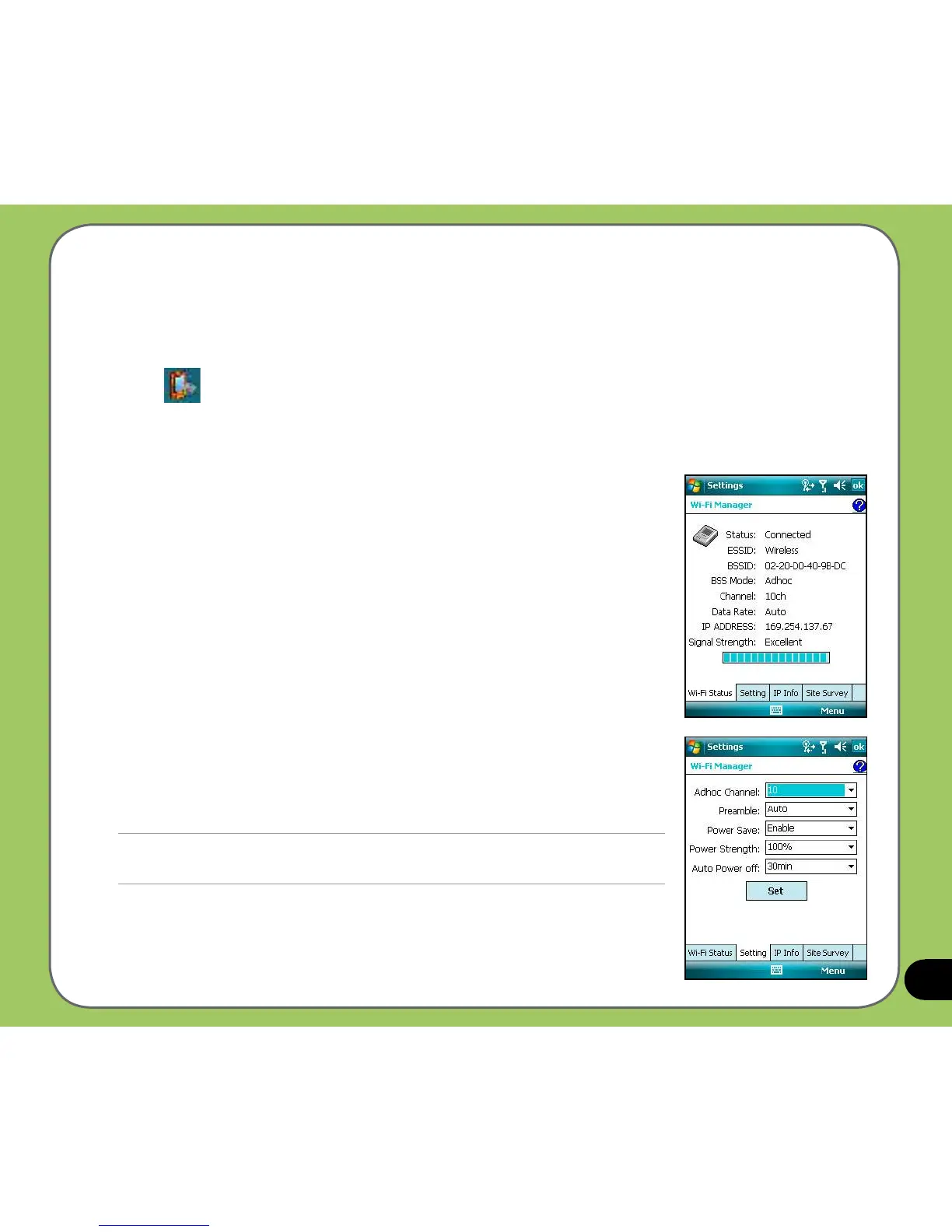
There are four tabs in the Wi-Fi Manager:
Wi-Fi Status
This page shows the current connection status and link information.
Setting
This page allows you to dene settings for establishing a device-to-
device wireless connection as well as power saving settings.
NOTE:
We recommend to set the Power Save to Enable.



 To Next Page