74
GPS Catcher
The GPS Catcher allows you to update the Global Positioning System (GPS) data in your
device. The GPS data contains important information about the status of satellite, current date,
and time for determining the satellite position.
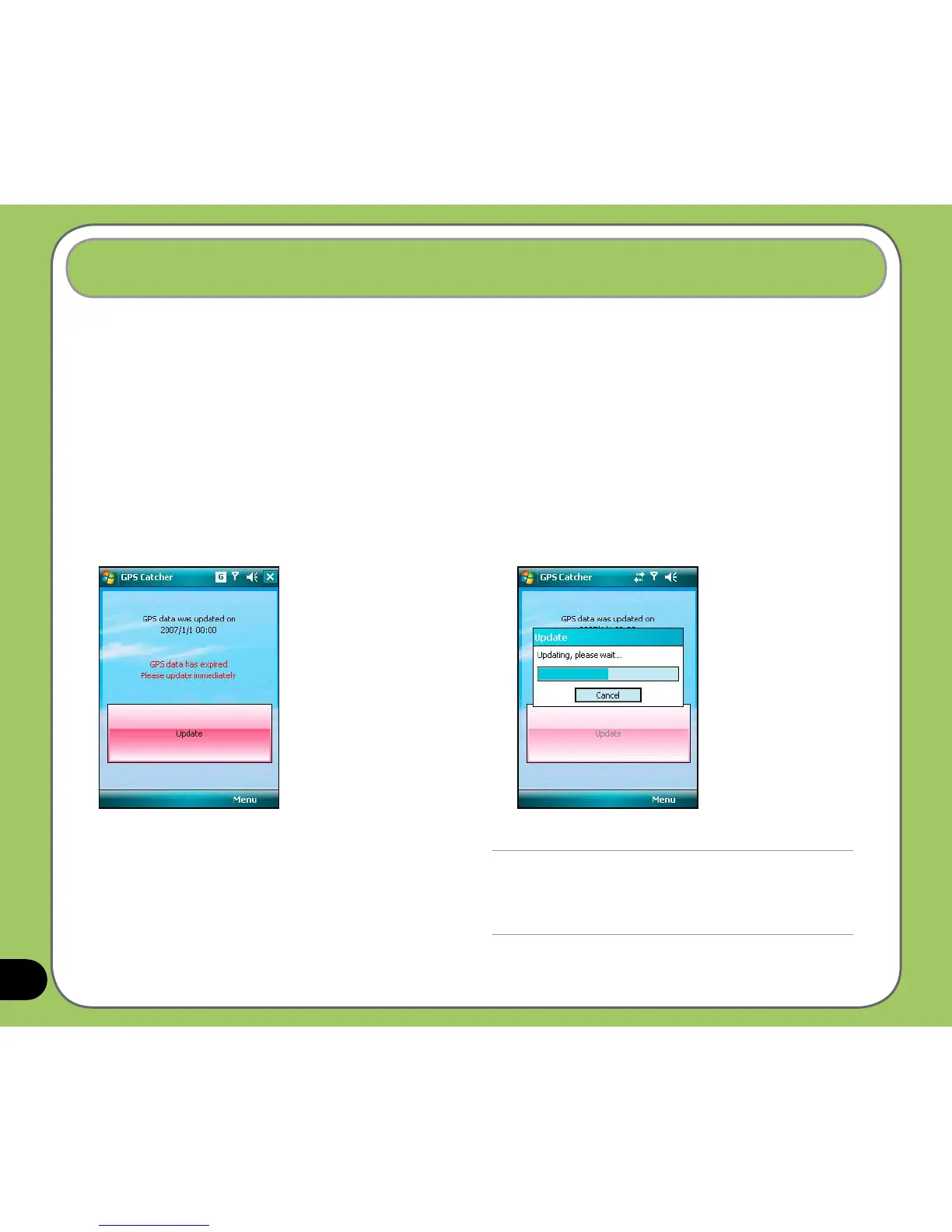
Updating GPS data
To update GPS data:
1. Tap Start > Programs > GPS Catcher.
2. Connect your device to a PC with the USB
cable, then tap Update to start update.
NOTE:
To make a successful update, make sure ActiveSync
4.5 is installed in your PC and your PC is connected to
the Internet.



 To Next Page