77
Recording Travel Track
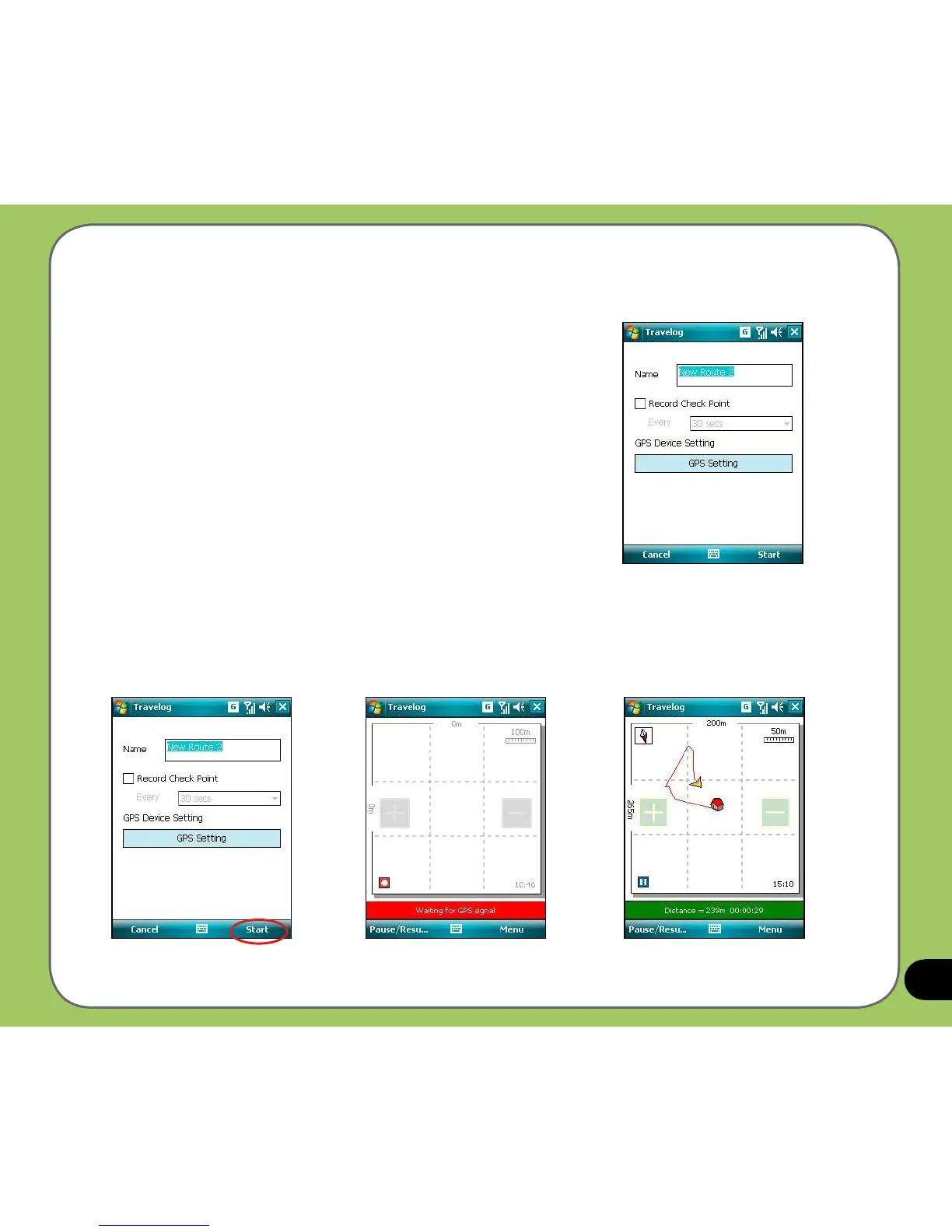
To record travel track:
1. Tap
Start > Programs > Travelog > Menu > New Route.
Key in a name for the route.
If you want to record the check point, check the
Record
Check Point box and set an interval.
Refer to
GPS setting in Travelog Setting section for
details about setting GPS and power saving.
2. Tap Start to begin recording your travel track.
When GPS signal is received, tap the
Record button to start recording the track.
Tap Pause/Resume to pause or resume recording.
Waiting for GPS signal
Recording



 To Next Page