85
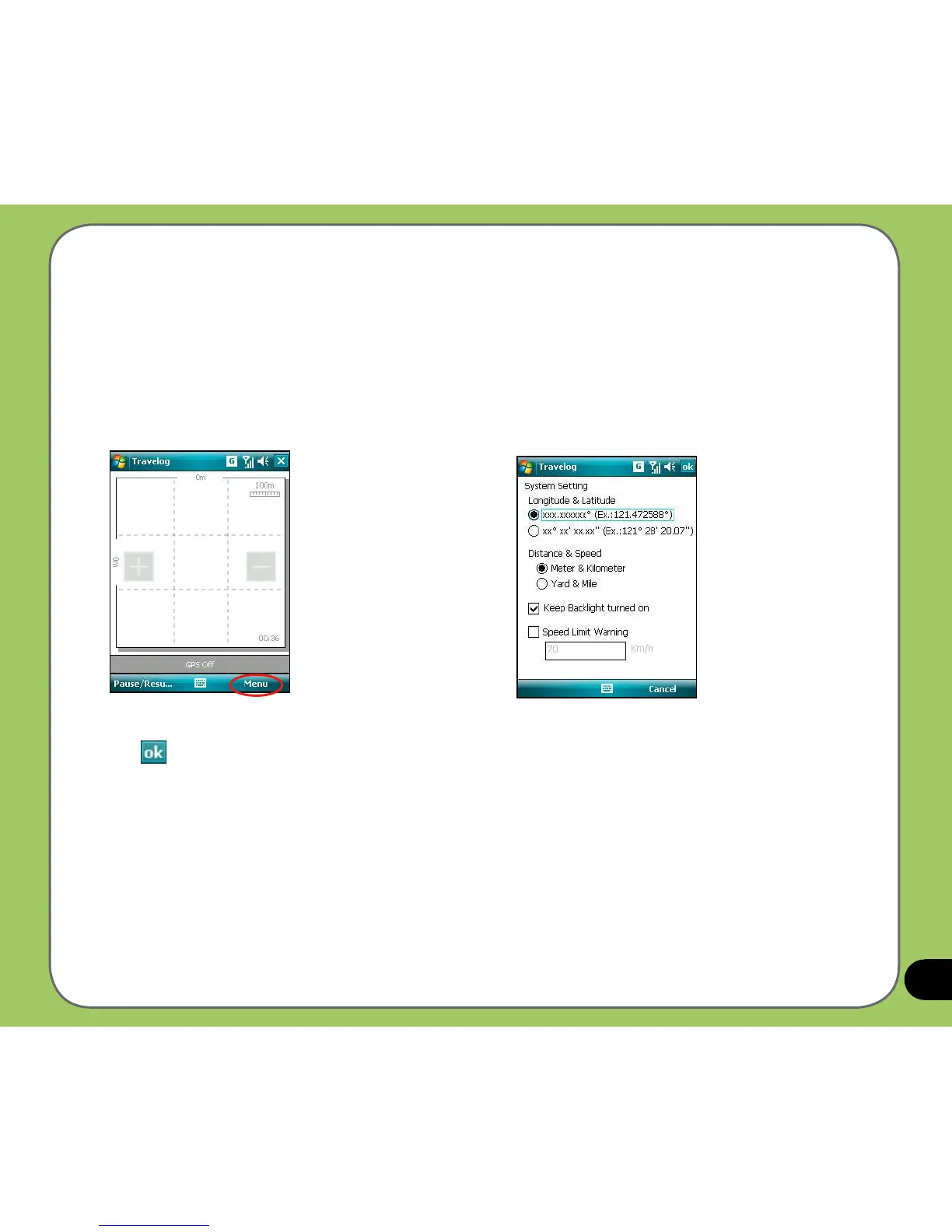
1. From Track screen, tap Menu > Setting >
System Setting.
2. Set the unit display style, backlight mode,
and speed limit.
System Setting
System Setting allows you to set the unit display style, backlight, and speed limit warning.
To set up the system setting:
3. Tap when nished.



 To Next Page